How to edit an email template on Apollo
Here is how to edit an email template on apollo
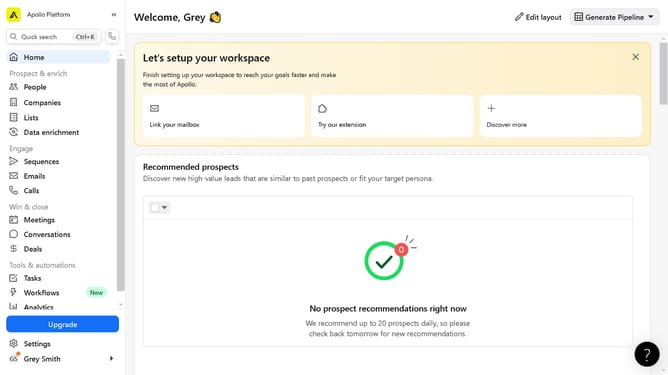
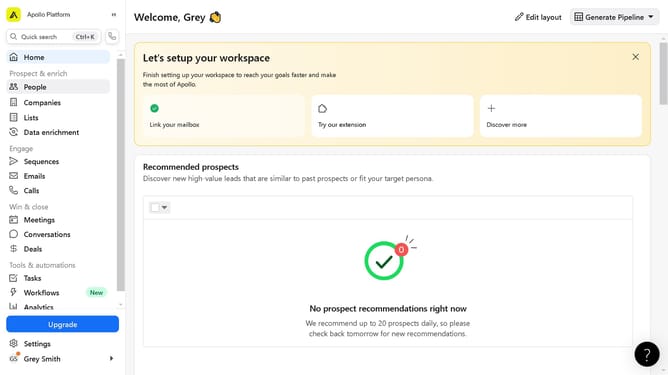
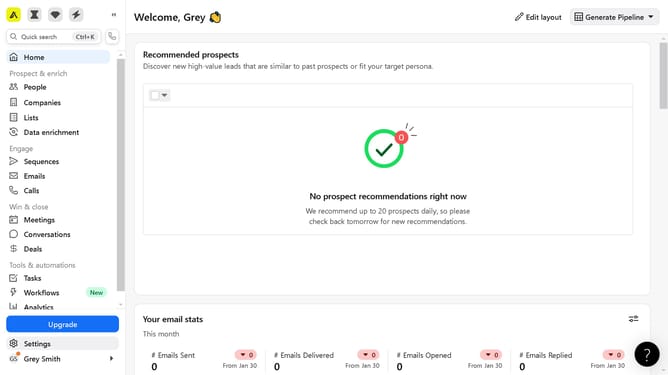
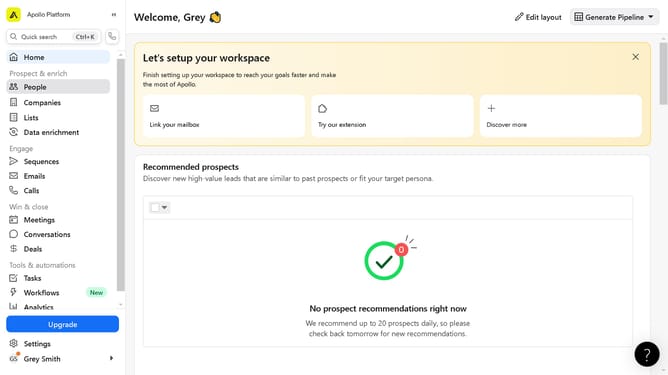
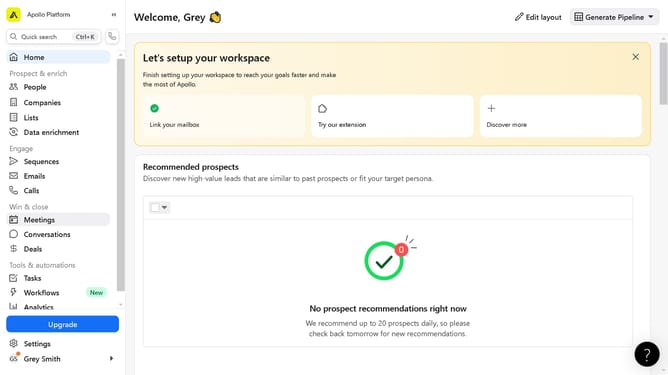
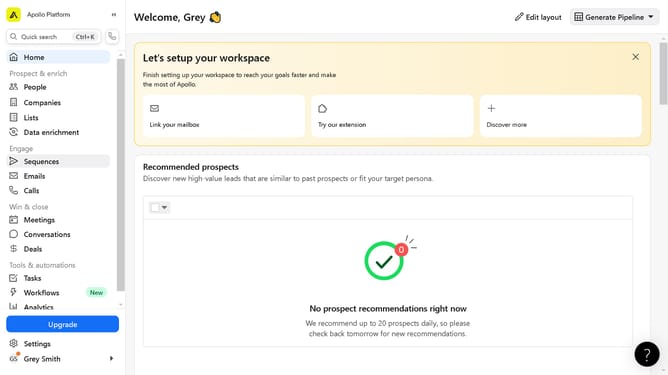
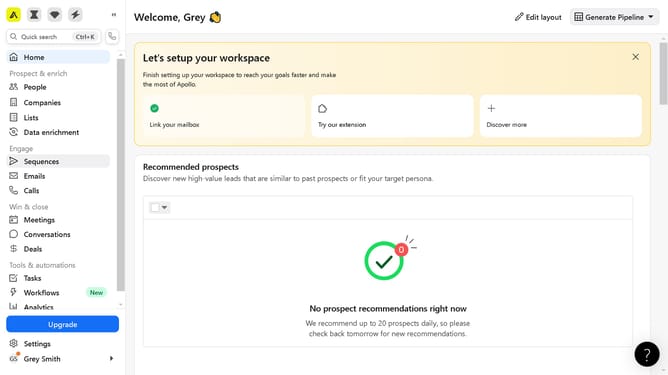
- First click on the "Emails" option in the left sidebar under the Engage section
- Next click on the "Templates" tab to switch to email templates view
- Click on the template to edit from the list to open it
- Configure the open fields based on your preference and information to update
- Finally click on the "Save" button in the top-right corner to save the template
Why should you edit an email template on Apollo
Apollo offers a streamlined platform designed to optimize your sales and outreach strategies with ease.
Editing an email template on Apollo is a user-friendly feature that empowers users to personalize and refine their communication approach, ensuring each email resonates with its recipient.
By customizing templates, users can enhance engagement, improve response rates, and maintain brand consistency effortlessly.
This not only saves time but also maximizes the impact of every email sent, solidifying the effectiveness of your outreach initiatives.
Last update