How to connect Apollo to your Zapier account
Here is how to connect apollo to your zapier account
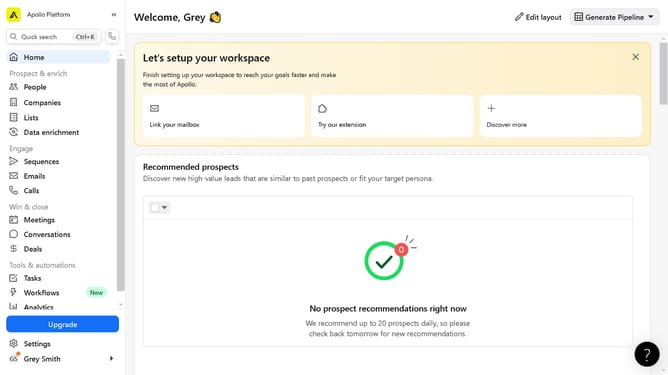
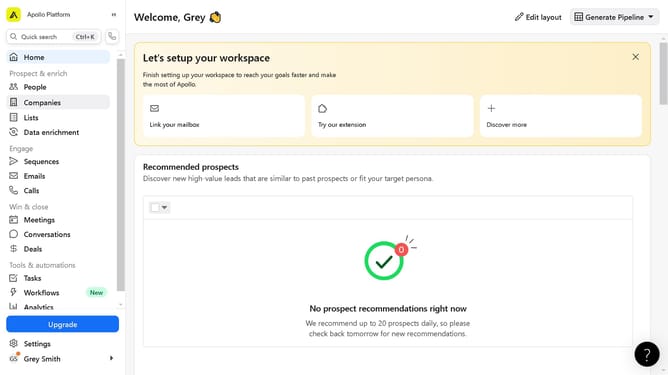
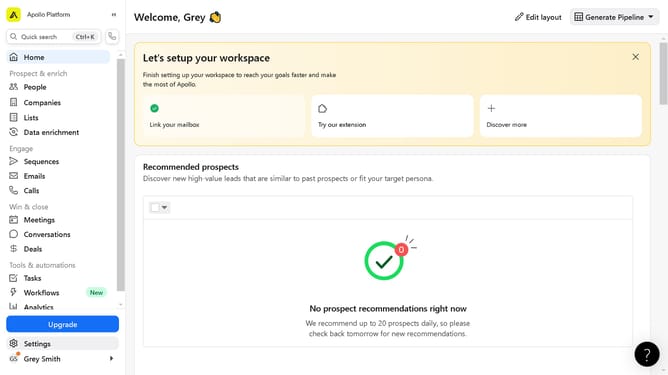
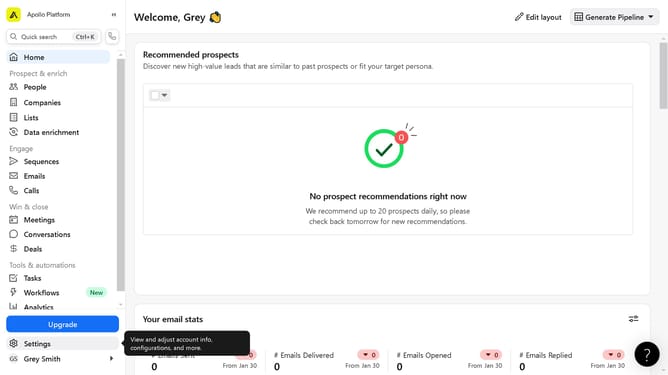
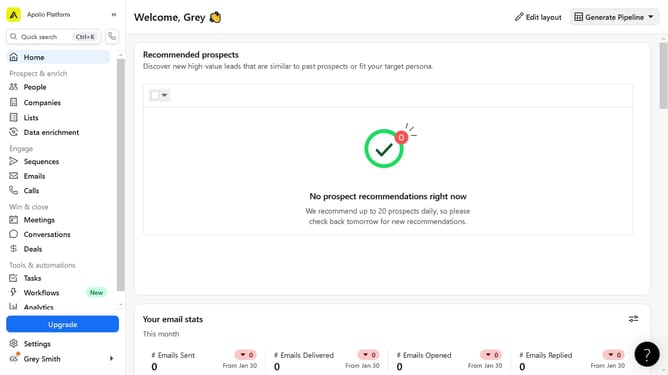
- First click on the "Settings" option in the left sidebar menu
- Then click on the "Integrations" item in the settings sidebar
- Next click on the "Connect" button next to the Zapier integration
- Then click on the "Get Started" button in the Zapier authentication form
- Finally click on the "Connect Apollo" button on the Zapier integration page
Why should you connect Apollo to your Zapier account
Apollo is a versatile tool designed to streamline sales engagement and boost productivity.
Connecting Apollo to your Zapier account unlocks a world of automation, allowing teams to seamlessly integrate their sales workflows with numerous apps.
This connection significantly enhances operational efficiency by automating repetitive tasks, ensuring teams focus on closing deals rather than getting bogged down in manual processes.
With Apollo and Zapier in sync, your team can enjoy a smoother, more productive sales journey.
Last update