How to turn off community notifications in Microsoft Teams
Here is how to turn off community notifications in microsoft teams
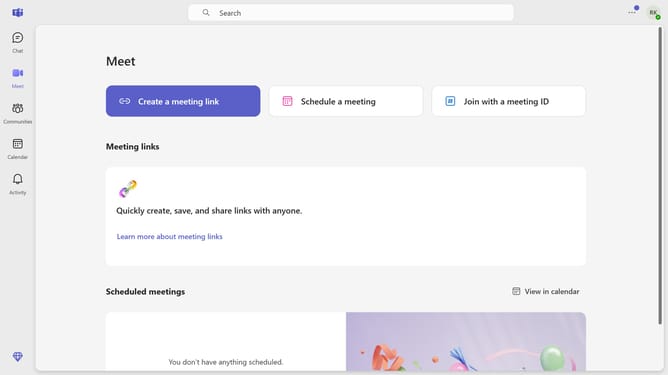
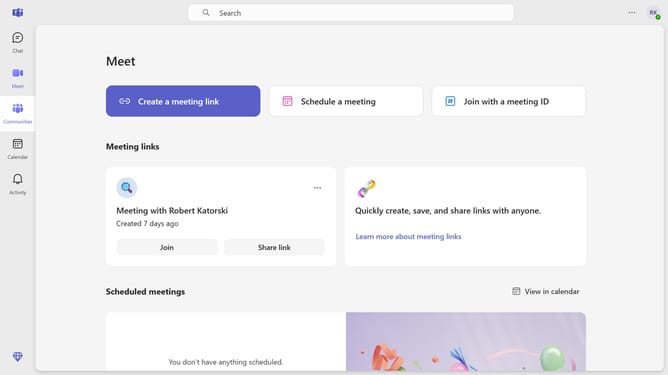
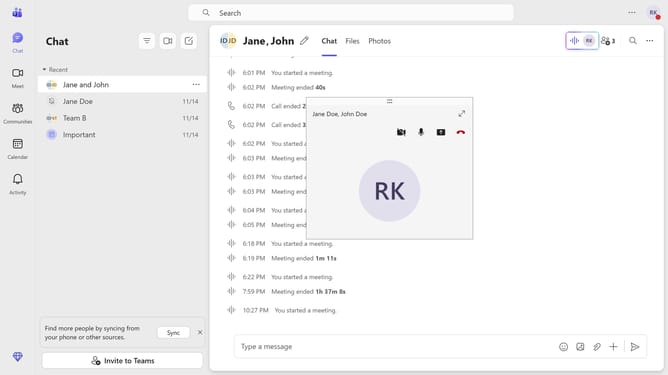
- First click on the "Communities" button in the left sidebar
- Then click on the "More options" button (three dots) next to a community
- Next click on the "Notifications" option in the dropdown menu
- Then select the "Off" radio button option in the Community notifications dialog
- Finally click on the "Save" button to confirm the notification settings
Why should you turn off community notifications in Microsoft Teams
Microsoft Teams is a versatile collaboration platform designed to streamline communication and teamwork in organizations.
The option to turn off community notifications in Microsoft Teams allows users to regain focus by minimizing unnecessary distractions. This feature is particularly beneficial for maintaining productivity, as it lets you concentrate on high-priority tasks without constant interruptions.
Utilizing this feature can lead to a more organized digital workspace, providing clearer boundaries between essential communications and less urgent updates. It empowers users to take control over their notification preferences, fostering a more focused and efficient work environment.
Last update