How to set missed activity email notifications to daily in Microsoft Teams
Here is how to set missed activity email notifications to daily in microsoft teams
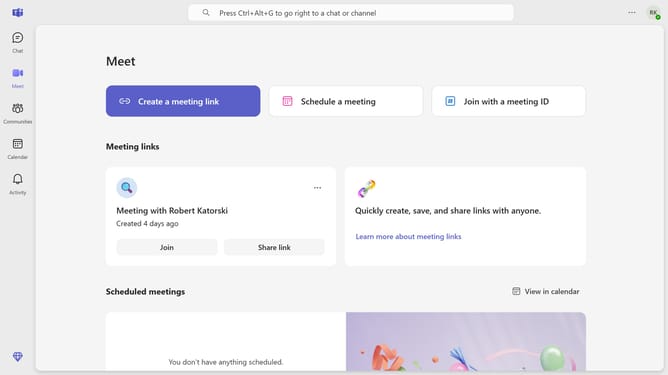
- First click on the three-dot icon in the top-right corner of the interface
- Then click "Settings" from the dropdown menu
- Next click on the "Notifications and activity" option in the settings menu
- Scroll down in the "Notifications and activity" menu
- Click on the "Missed activity emails" dropdown menu and select frequency
- Finally click on "Daily" from the dropdown menu
Why should you set missed activity email notifications to daily in Microsoft Teams
Microsoft Teams streamlines communication and collaboration within organizations.
By setting missed activity email notifications to daily, users ensure that important updates are consolidated into a single, manageable email. This feature helps team members stay informed about discussions and decisions without being overwhelmed by constant alerts.
Daily notifications foster productivity by allowing users to focus on tasks at hand while efficiently catching up on missed communications at a convenient time. This balance keeps teams aligned and responsive, enhancing overall workflow.
Last update