How to enable notifications for only new posts in a community in Microsoft Teams
Here is how to enable notifications for only new posts in a community in microsoft teams
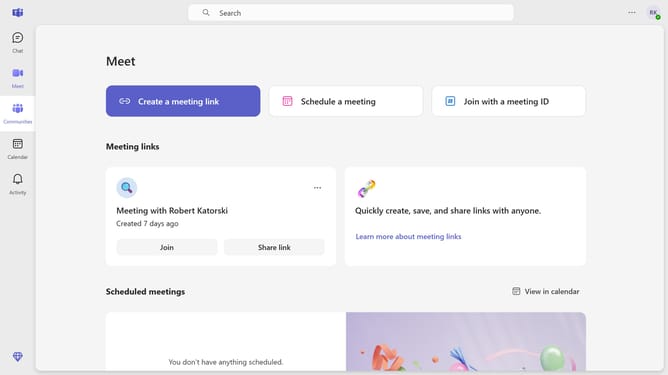
- First click on the "Communities" button in the left sidebar
- Then click on the "More options" button (three dots) next to the community you want to change the notification settings
- Next click on the "Notifications" option in the dropdown menu
- Then select the "Only new posts" radio button option in the Community notifications dialog
- Finally click on the "Save" button to confirm the notification settings
Why should you enable notifications for only new posts in a community in Microsoft Teams
Microsoft Teams is a powerful collaboration tool designed to streamline communication and enhance teamwork.
Enabling notifications for only new posts in a community in Microsoft Teams ensures you stay updated with the latest conversations without being overwhelmed by information overload.
This feature allows for targeted engagement, helping you focus on fresh, relevant content, thus boosting productivity and maintaining an organized workflow.
By customizing notifications, you achieve a balanced approach to digital communication, fostering a more efficient and harmonious work environment.
Last update