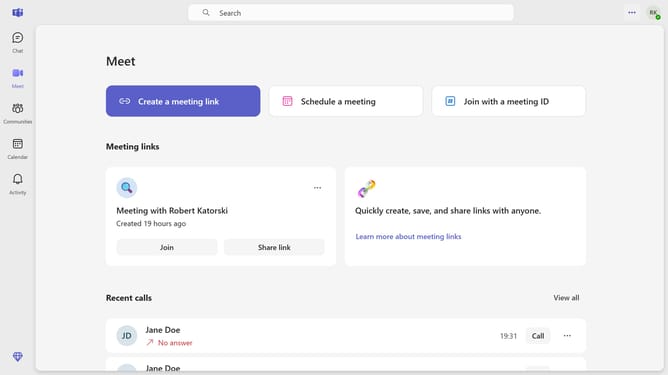
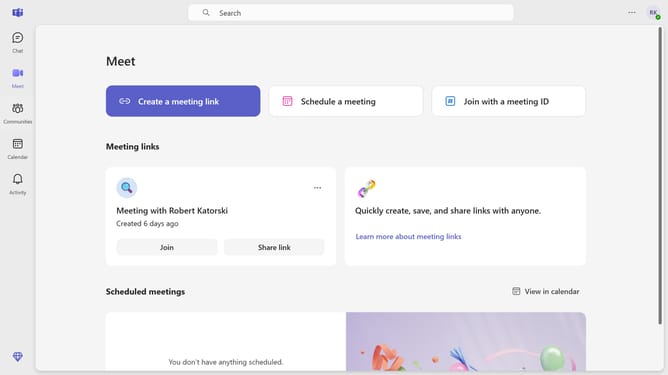
How to show the meeting join bar in Microsoft Teams
Here is how to show the meeting join bar in microsoft teams
- First click on the settings button in the top-right corner of the application header
- Then click on the "settings" option in the settings dropdown menu
- Next click on "Notifications and activity" in the left sidebar settings menu
- Then scroll down in the Notifications and activity settings
- Finally, click the "Show meeting join bar" toggle to turn it on under the Meetings section
Why should you show the meeting join bar in Microsoft Teams
Microsoft Teams is a dynamic platform designed to enhance workplace collaboration and communication.
A standout feature is the meeting join bar, a gateway for seamless connection to scheduled meetings.
Enabling this feature ensures users never miss an important conversation, fostering punctuality and productivity.
With easy access to join meetings, teams can remain synchronized, reducing the administrative burden and enhancing focus on core tasks.
Last update