How to disable community invites in Microsoft Teams
Here is how to disable community invites in microsoft teams
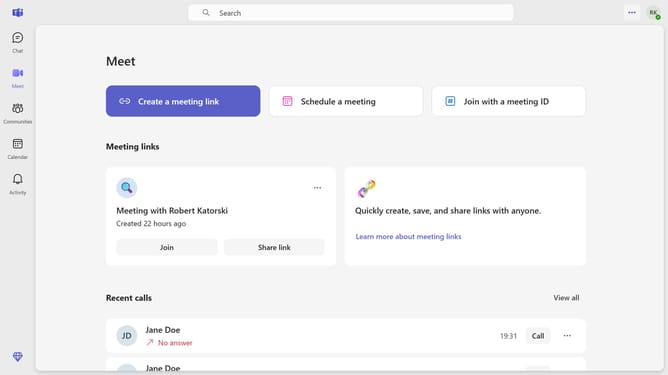
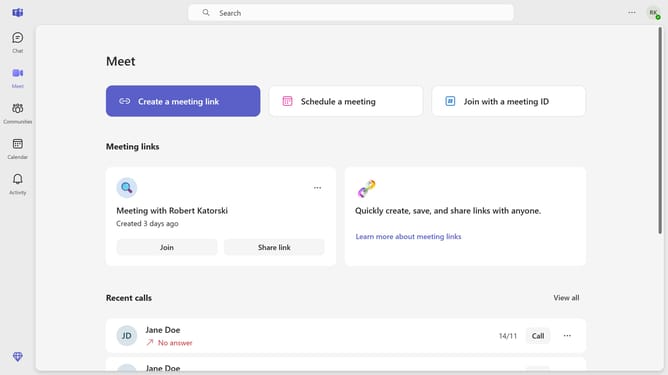
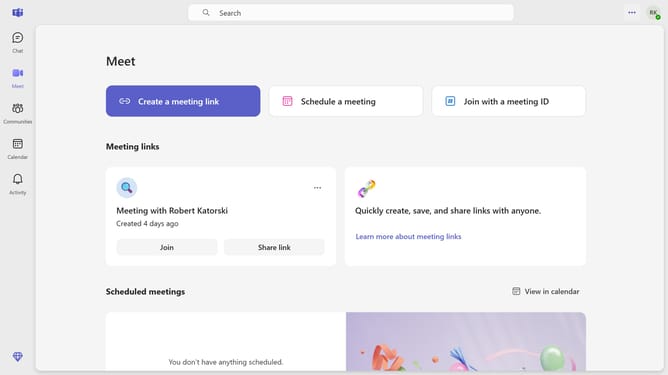
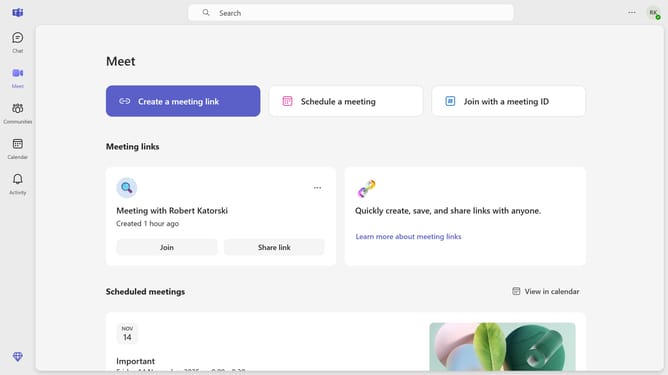
- First click on the options menu button in the top-right corner of the Teams window
- Then click "Settings" from the dropdown menu
- Next click on "Notifications and activity" in the left sidebar of Settings
- Scroll down in the Notifications and activity settings menu
- Finally toggle the "Community invites" switch to the "Off" position in the notification settings
Why should you disable community invites in Microsoft Teams
Microsoft Teams is a robust collaboration platform designed to enhance teamwork and streamline communication.
One beneficial feature of Microsoft Teams is the ability to disable community invites, offering users more control over their information and interactions.
By disabling community invites, users can maintain focus and productivity without the interruptions caused by unsolicited invites. This feature supports a streamlined, secure, and personalized experience tailored to individual or team preferences.
Last update