How to allow anyone to call you in Microsoft Teams
Here is how to allow anyone to call you in microsoft teams
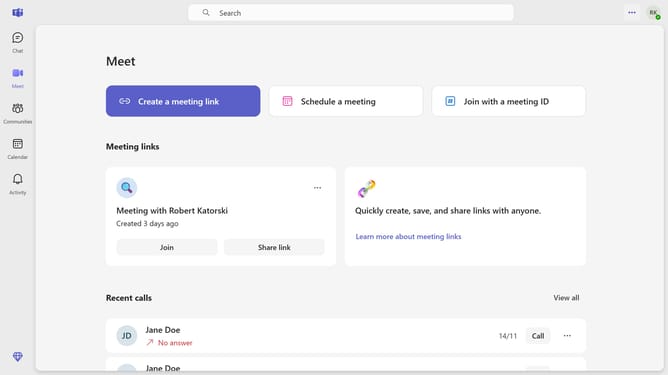
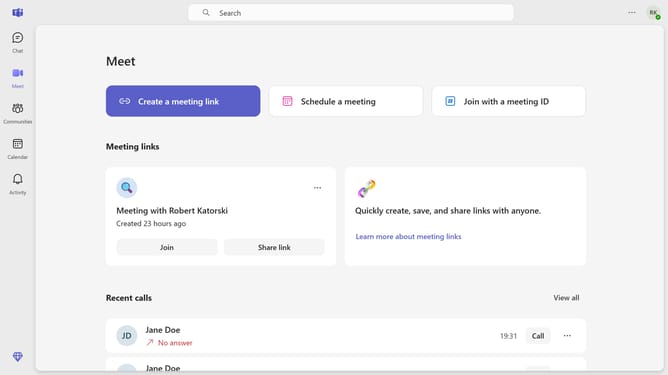
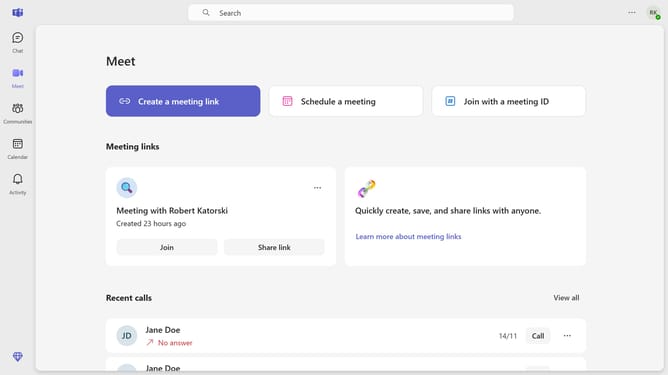
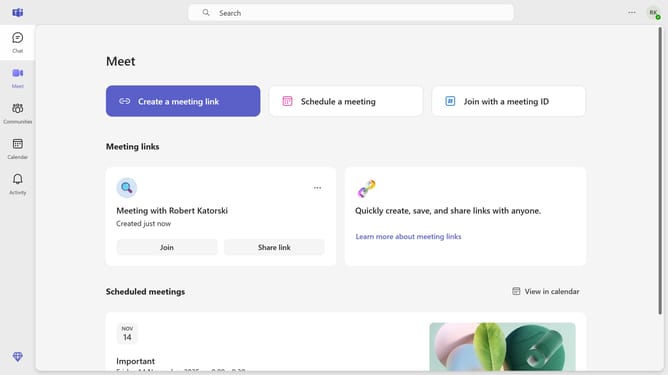
- First click on the "More options" button (three dots icon) in the top-right corner of the header
- Then click on the "Settings" option in the dropdown menu
- Next click on the "Privacy" option in the left sidebar navigation menu
- Then click on the "Manage who can call you" dropdown menu showing "Your contacts"
- Finally select the "Anyone" option from the dropdown menu
Why should you allow anyone to call you in Microsoft Teams
Microsoft Teams is a dynamic platform designed to enhance collaboration and communication in professional settings.
With the feature that allows anyone to call you in Microsoft Teams, you expand your communication reach beyond your organization.
This functionality ensures that you are accessible to clients, partners, or collaborators who might not be part of your Teams environment, promoting smoother and more efficient exchanges.
Opening this channel not only fosters inclusivity but also enhances productivity by reducing barriers to effective communication.
Last update