How to enable community posts sent via email in Microsoft Teams
Here is how to enable community posts sent via email in microsoft teams
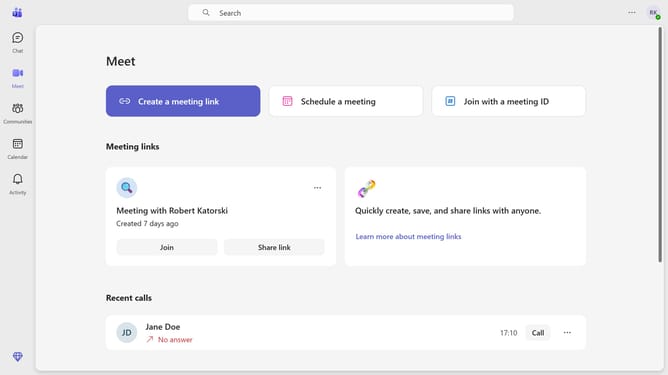
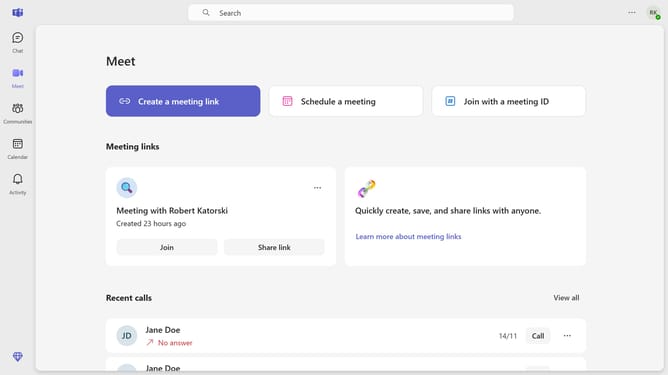
- First click on the settings menu icon in the top-right corner of the interface
- Then click on the "Settings" from the dropdown menu
- Next select "Notifications and activity" option in the settings sidebar menu
- Scroll down in the Notifications and activity settings menu
- Finally toggle on the "Community posts sent via email" switch in the notification settings
Why should you enable community posts sent via email in Microsoft Teams
Microsoft Teams is a powerful communication platform designed to facilitate seamless collaboration within organizations.
Enabling community posts sent via email in Teams is an excellent feature that enhances connectivity by allowing team members to stay updated through their inboxes. This ensures important discussions and updates are never missed, even when users are away from the app.
This feature streamlines communications by integrating email and Teams, creating a cohesive flow of information. It brings convenience to users who prefer managing updates through their email while still remaining engaged with their community.
Last update