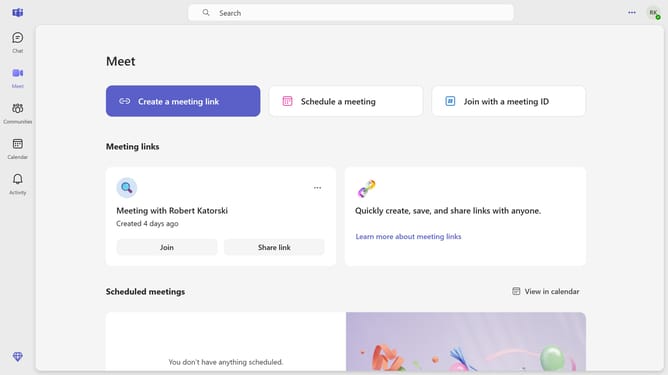
How to set a status message to never clear in Microsoft Teams
Here is how to set a status message to never clear in microsoft teams
- First click on the profile icon in the top-right corner
- Then click the "Edit" button under the status
- Next click on the dropdown arrow next to the status duration
- Then select "Never" from the status duration dropdown menu
- Finally click on the "Done" button in the status settings panel
Why should you set a status message to never clear in Microsoft Teams
Microsoft Teams is a dynamic collaboration hub designed to streamline communication and enhance productivity within organizations.
One standout feature is the ability to set a status message to never clear. This ensures that important information such as availability, location, or working hours remains visible to colleagues at all times.
By leveraging this feature, team members can maintain clear communication and minimize misunderstandings. This constant visibility helps foster a well-informed workplace, allowing for smoother collaboration and efficient workflow management.
Last update