How to disable message preview in your chat list in Microsoft Teams
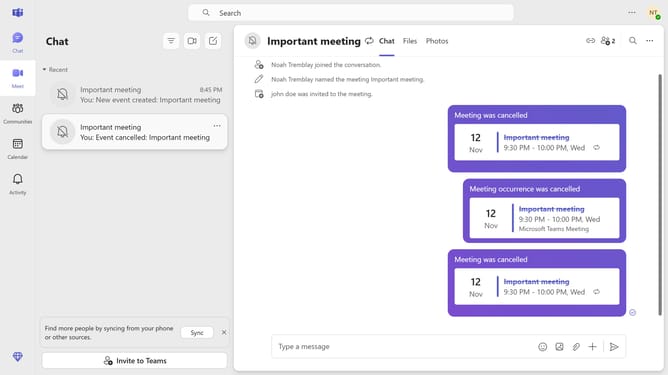
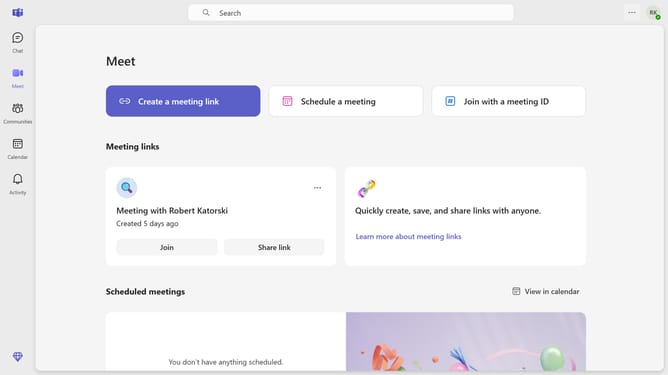
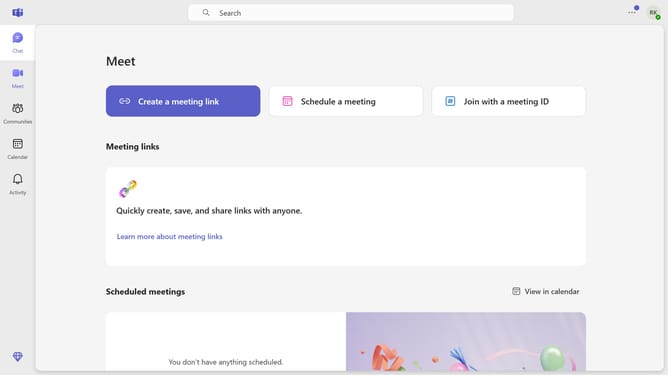
Here is how to disable message preview in your chat list in microsoft teams
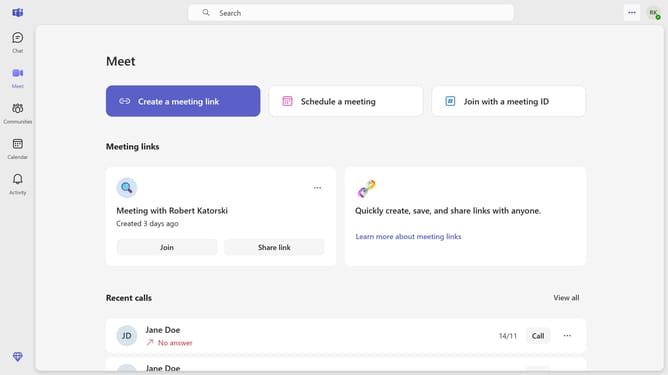
- First click on the settings menu button in the top-right corner of the Teams window
- Then click on the "Settings" from the dropdown menu
- In the Settings menu, click on the "Appearance" option from the left sidebar
- Finally toggle on the "Show message previews in your chat list" switch in the Appearance settings
Why should you disable message preview in your chat list in Microsoft Teams
Microsoft Teams is a dynamic collaboration platform designed to streamline communication and teamwork.
One useful feature of Teams is the ability to disable message preview in your chat list. This allows users to maintain privacy and focus during busy workdays.
By turning off message previews, you reduce distractions and keep sensitive information concealed from prying eyes. This approach promotes a clutter-free interface, enhancing your productivity.
Last update