How to upload attachments to a message in Microsoft Teams
Here is how to upload attachments to a message in microsoft teams
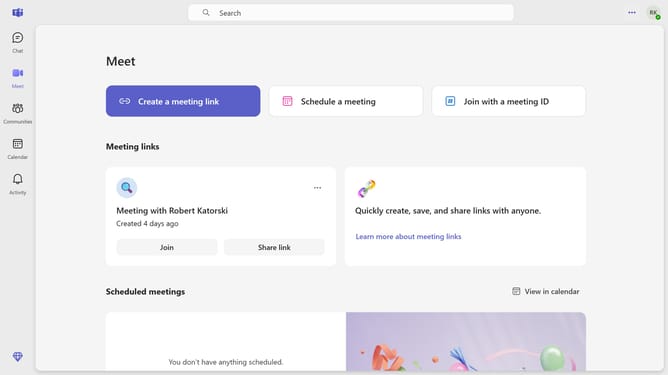
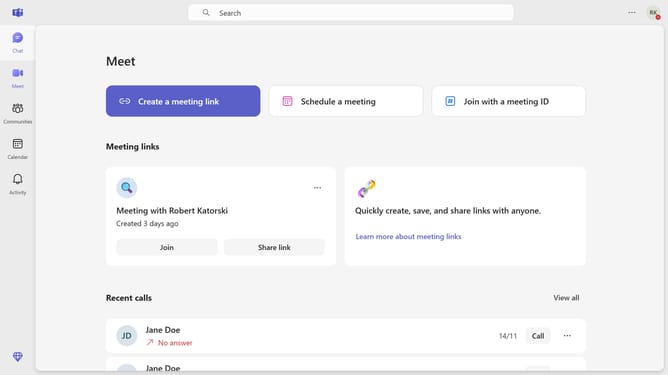
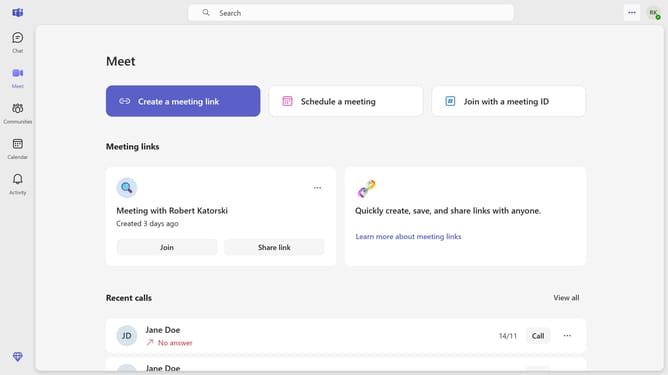
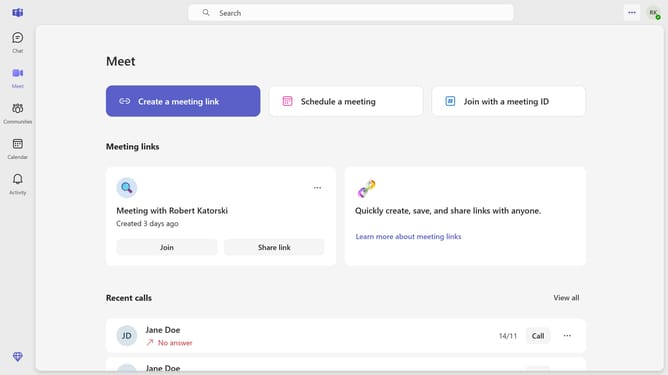
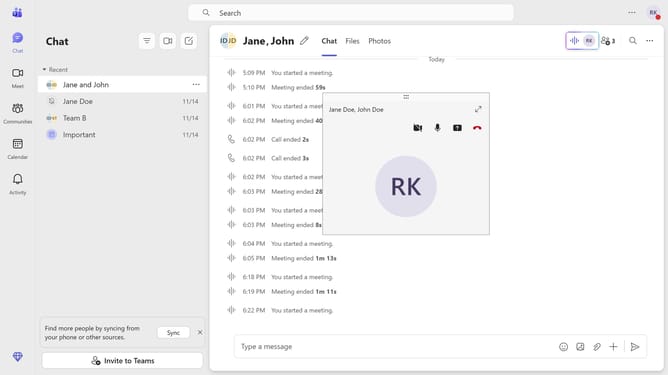
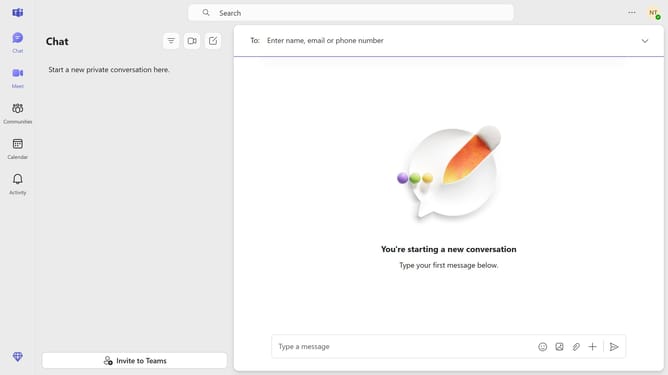
- First click on the "Chat" button in the top navigation bar
- Then click on a chat conversation in the chat list
- Next click on the "Attach files" button in the message input area
- Then select your preferred option for uploading an attachment from the dropdown menu
- Finally click the "Send" button to send your attachment file
Why should you upload attachments to a message in Microsoft Teams
Microsoft Teams is a versatile collaboration hub designed to enhance team productivity and communication.
One standout feature is the ability to upload attachments directly to messages. This feature empowers users to seamlessly share important files, ensuring that all team members have access to the necessary resources effortlessly.
By using this feature, you can keep conversations organized and contextually rich, enhancing collaboration and streamlining workflow. This ensures everyone stays informed and can easily collaborate on documents without needing to switch between different apps.
Last update