How to disable spellcheck in Microsoft Teams
Here is how to disable spellcheck in microsoft teams
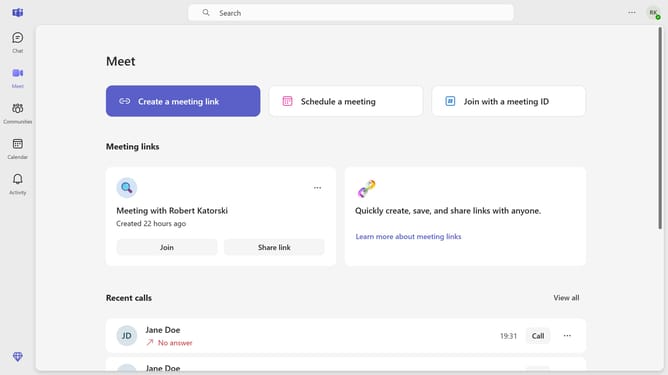
- First click on the menu button in the top-right corner of the window
- Then click on "Settings" option in the dropdown menu
- Next scroll down in the General meeting
- Finally toggle the "Spelling" switch to disable it in the General settings panel
Why should you disable spellcheck in Microsoft Teams
Microsoft Teams is a versatile platform designed to enhance collaboration and streamline communication within organizations.
An advantageous feature of Microsoft Teams is the ability to disable spellcheck, offering users more control over their messaging experience.
For those handling specialized terminology or wanting to express creative freedom, turning off spellcheck can be incredibly beneficial.
This flexibility ensures that messages retain their intended meaning and personal style, fostering more authentic communication.
Last update