How to set chat density to comfy in Microsoft Teams
Here is how to set chat density to comfy in microsoft teams
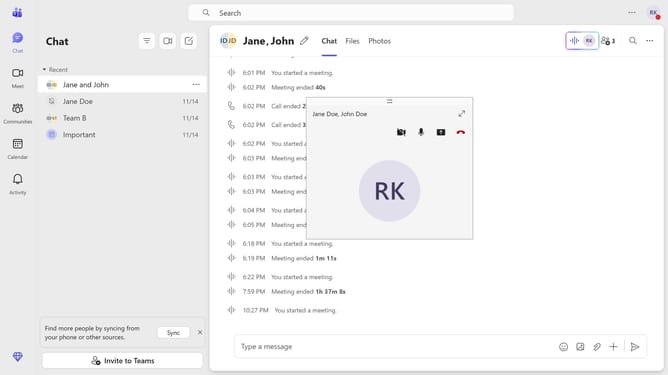
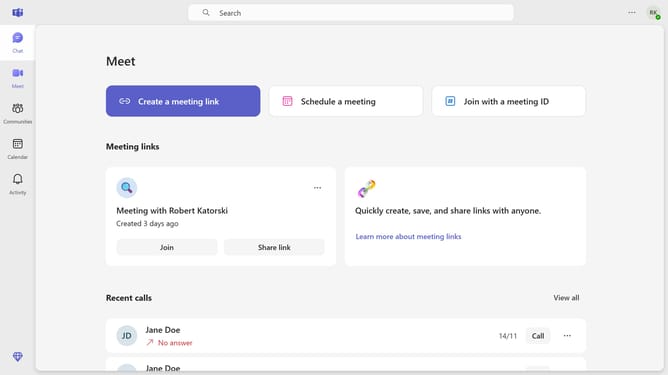
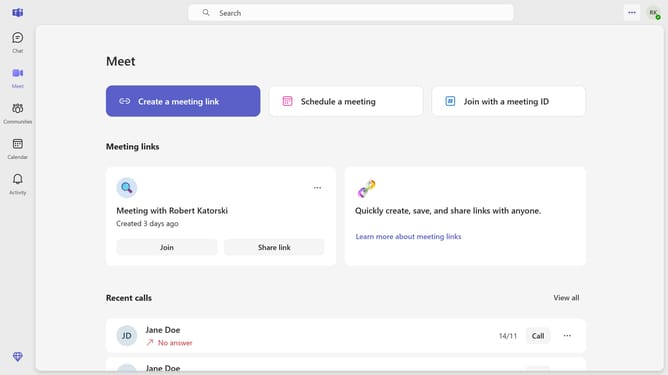
- First click on the "More options" button in the top-right corner of the Teams window
- Then click on "Settings" option in the dropdown menu
- Next click on "Appearance" item in the left sidebar settings menu
- Finally select the "Comfy" option under the "Chat density" section
Why should you set chat density to comfy in Microsoft Teams
Microsoft Teams is a versatile platform designed for seamless collaboration and communication in the modern workplace.
The "Comfy" chat density feature in Microsoft Teams enhances user experience by reducing clutter and easing message readability.
Opting for "Comfy" chat density creates a more spacious and organized chat environment, making it easier for your eyes and brain to process information.
Using this feature helps reduce stress and improves productivity, allowing users to focus on meaningful interactions without distraction.
Last update