How to set your status to do not disturb using slash command in Microsoft Teams
Here is how to set your status to do not disturb using slash command in microsoft teams
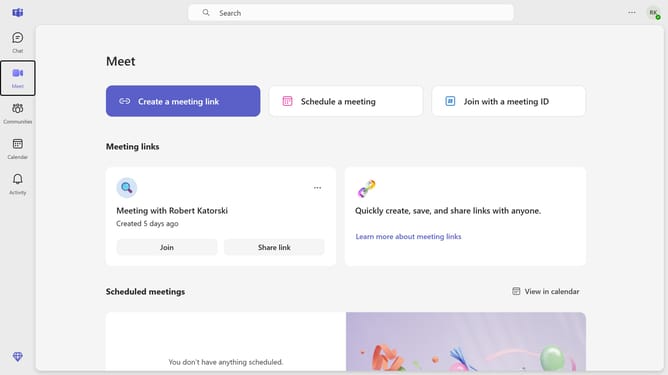
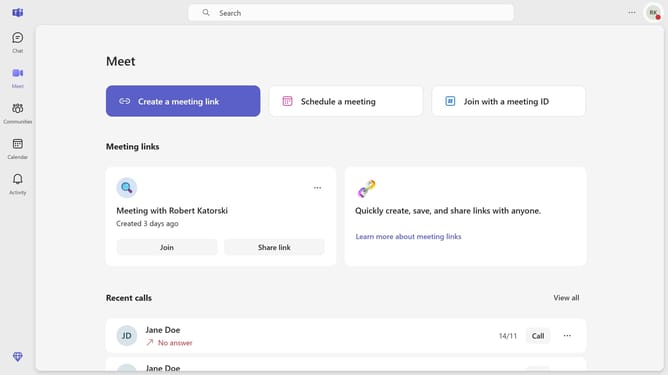
- First click on the "Chat" icon in the top navigation bar
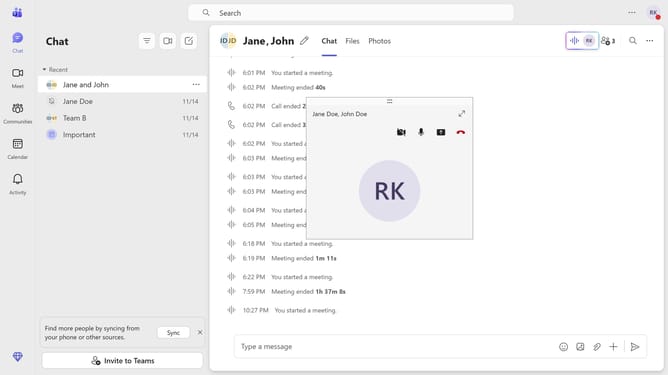
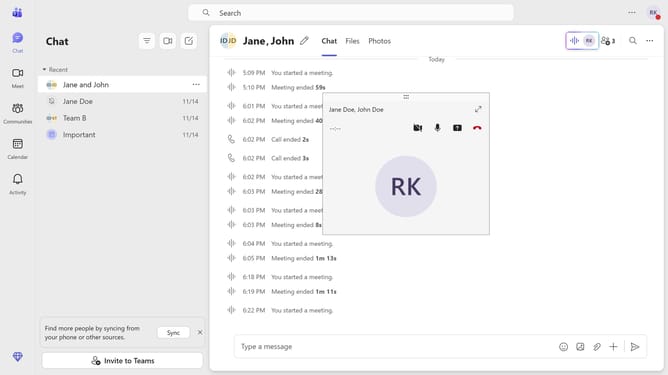
- Then click a conversation in the message list
- Next click the message input field at the bottom of the chat window and type "/dnd"
- Finally select the "/dnd" command from the Commands menu that appears in the chat
Why should you set your status to do not disturb using slash command in Microsoft Teams
Microsoft Teams is a dynamic collaboration platform designed to streamline communication and enhance teamwork effortlessly.
One of its efficient features is the ability to quickly set your status to "Do Not Disturb" using a simple slash command. This helps in managing your availability without any hassle.
By utilizing this feature, you ensure uninterrupted focus during important tasks, effectively managing distractions. It enhances productivity, allowing you to concentrate fully when necessary.
The ease of using the slash command means maintaining control over your workflow becomes a seamless part of your daily routine.
Last update