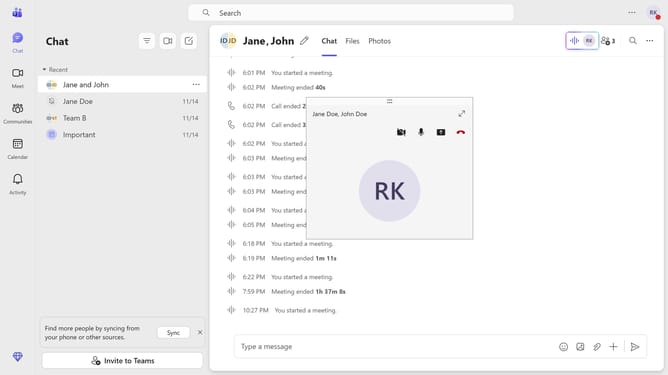
How to turn off meeting start notifications in Microsoft Teams
Here is how to turn off meeting start notifications in microsoft teams
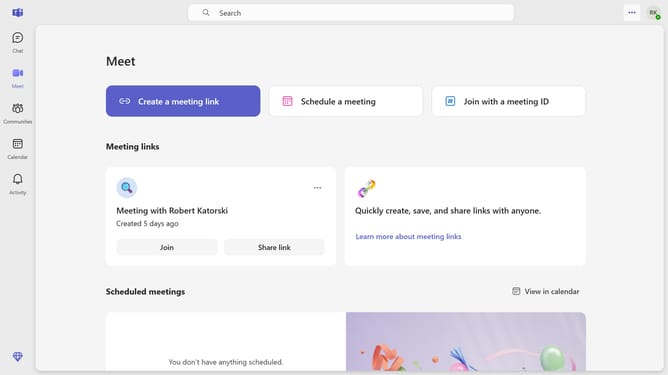
- First click on the ellipsis menu ("...") in the top-right corner of the Teams window
- Then click on "Settings" option in the dropdown menu
- In the Settings sidebar, click on "Notifications and activity" item
- Next, find and click on the toggle switch for "General" notifications in the main settings panel
- Finally, locate and click on the "Meeting start notifications" toggle switch to turn it off in the Meetings section
Why should you turn off meeting start notifications in Microsoft Teams
Microsoft Teams is a collaborative platform designed to enhance communication and productivity in the modern workplace.
Among its multitude of features, the ability to manage meeting notifications stands out.
Turning off meeting start notifications allows users to maintain focus on tasks without interruption. This can be particularly beneficial in minimizing distractions during deep work sessions or creative tasks.
By customizing notification settings, Teams users can better control their work environment, ultimately enhancing workflow and efficiency.
Last update