How to enable spellcheck in Microsoft Teams
Here is how to enable spellcheck in microsoft teams
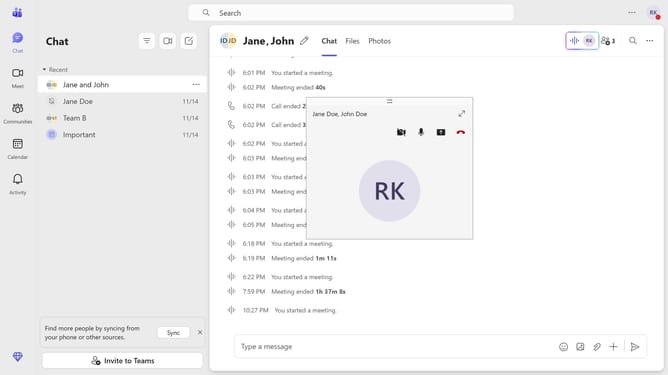
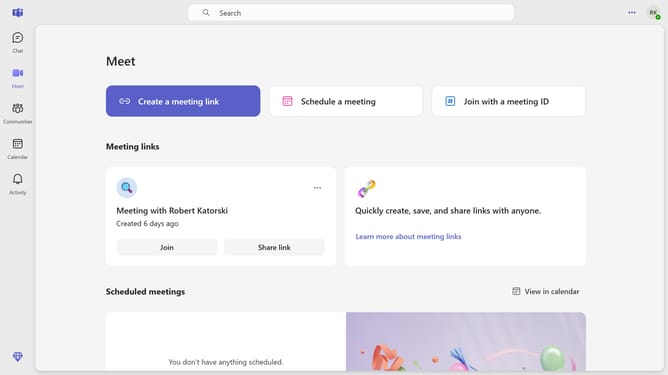
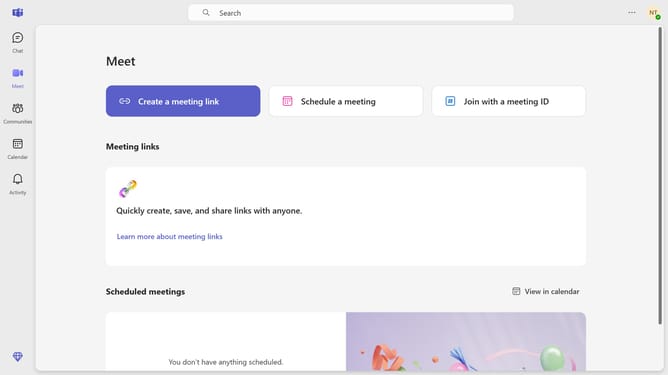
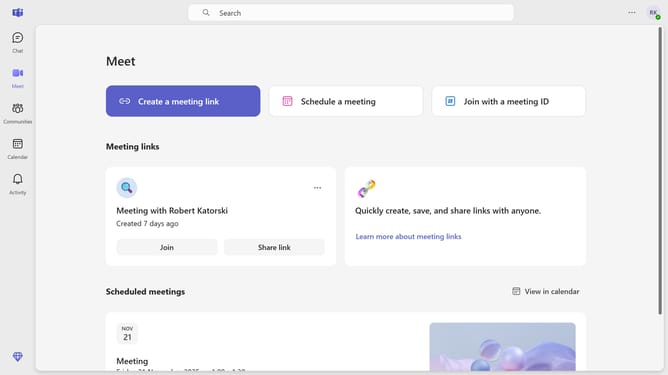
- First click on the three-dots button in the top-right corner of the window
- Then click "Settings" from the dropdown menu
- Next scroll down in the General settings menu
- Finally toggle on the "Spelling" switch in the General settings section
Why should you enable spellcheck in Microsoft Teams
Microsoft Teams is a versatile platform for seamless collaboration and communication.
Enabling spellcheck in Microsoft Teams elevates your communication by ensuring clarity and professionalism in every message. It automatically identifies and suggests corrections for misspelled words, enhancing the readability of your conversations.
This feature is invaluable for maintaining a polished communication style, promoting accuracy, and reducing the likelihood of misunderstanding or errors in your texts. Utilizing spellcheck in Teams helps you communicate with confidence and precision.
Last update