How to enable members to share a link to a community in Microsoft Teams
Here is how to enable members to share a link to a community in microsoft teams
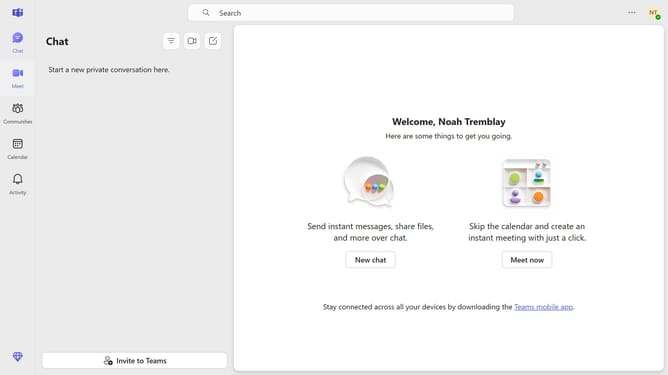
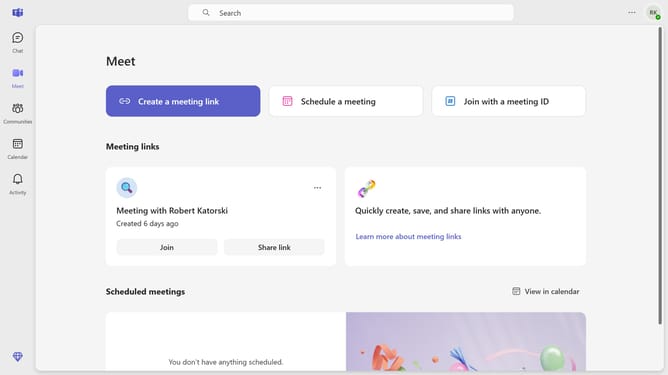
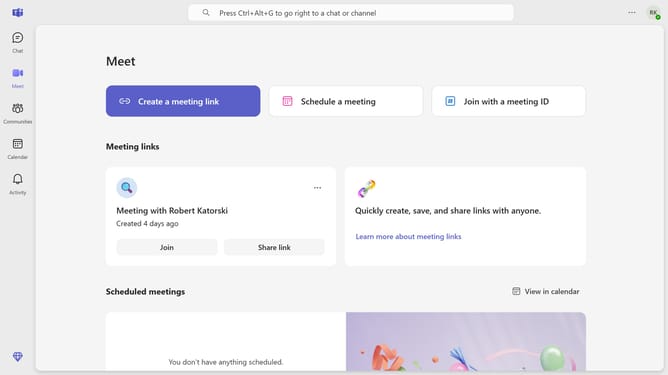
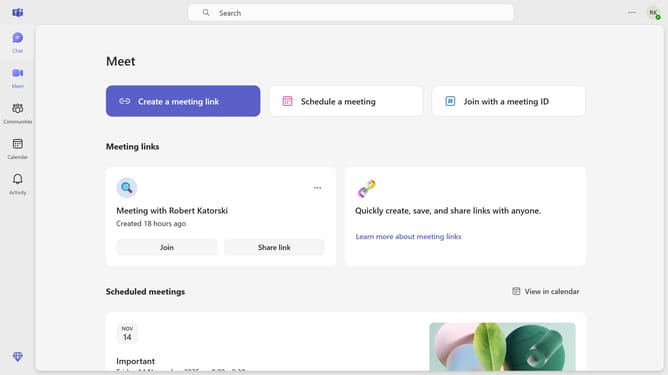
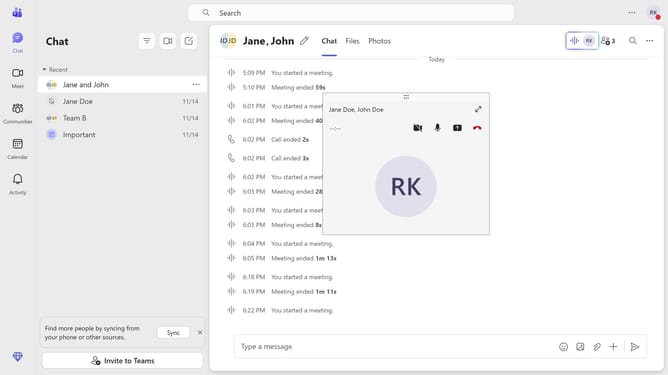
- First click on the "Communities" icon in the left sidebar
- Then click on the "Settings" icon in the top toolbar of the community
- Next click on "Settings" in the top navigation menu of the community
- Finally toggle on "Allow members to share a link to this community" in the Link settings section
Why should you enable members to share a link to a community in Microsoft Teams
Microsoft Teams is a powerful collaboration platform designed to streamline communication and enhance teamwork.
Enabling members to share a link to a community in Microsoft Teams fosters inclusivity and boosts engagement. This feature allows participants to easily connect, ensuring that everyone has direct access to updates and discussions.
By simplifying the sharing process, communities can grow organically, enhancing collaboration and encouraging diverse input from all members.
Last update