How to share your screen in a chat in Microsoft Teams
Here is how to share your screen in a chat in microsoft teams
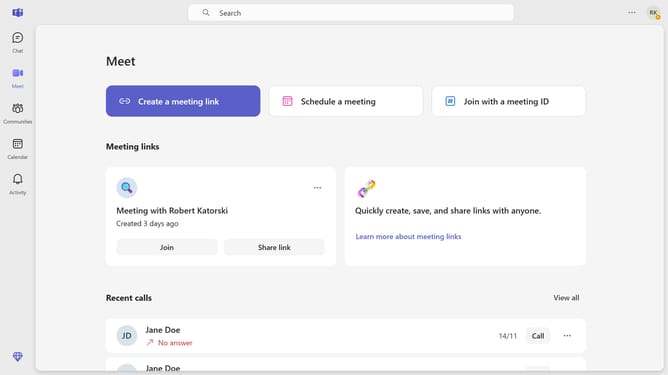
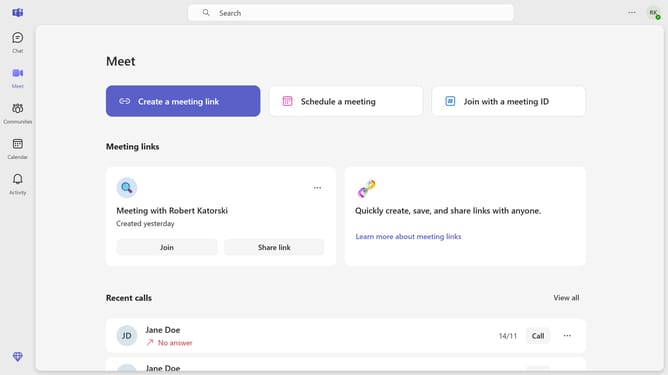
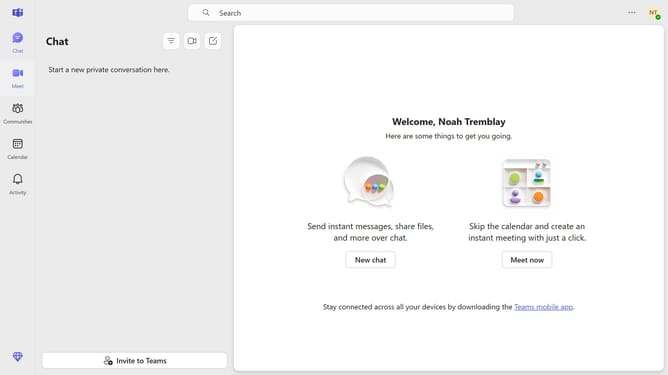
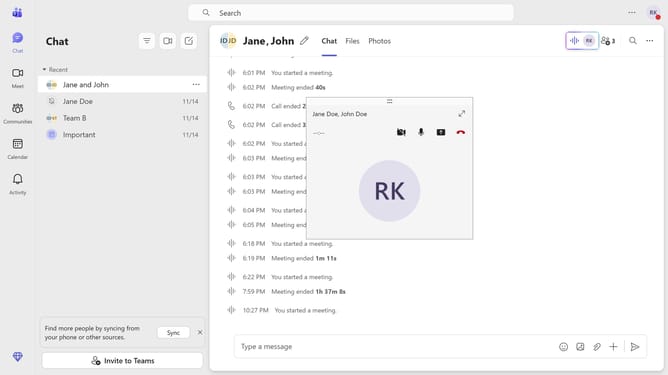
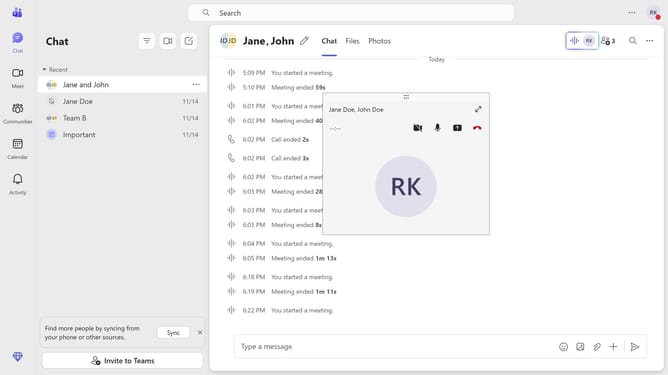
- First click on the "Chat" button in the top navigation menu
- Then click a conversion in the chat list where you want to share your screen
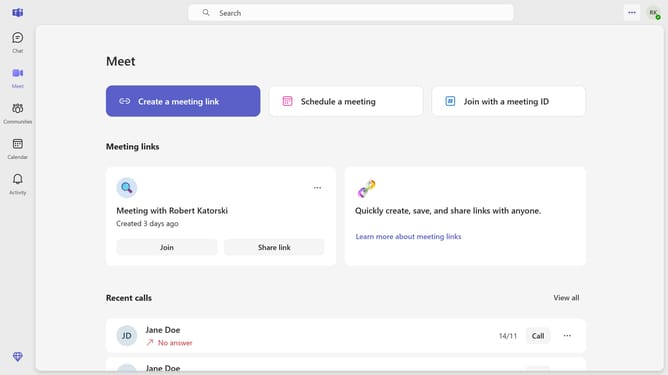
- Next click on the "..." menu button in the top-right corner of the chat window
- Then select "Screen sharing" from the dropdown menu
- Finally click on "Screen, window, or tab" option in the share content dialog to start sharing your screen
Why should you share your screen in a chat in Microsoft Teams
Microsoft Teams is your virtual hub for seamless collaboration and communication.
Sharing your screen in a chat in Microsoft Teams allows you to effortlessly display documents, presentations, or applications in real-time with your chat participants. This feature enhances collaboration by allowing colleagues to view and discuss materials instantaneously, promoting a more interactive and engaging dialogue.
Utilizing screen share in chats streamlines meetings and boosts productivity by reducing miscommunications and visually conveying ideas, making virtual collaboration just as dynamic as in-person interactions.
Last update