How to enable auto-translation for all messages in Microsoft Teams
Here is how to enable auto-translation for all messages in microsoft teams
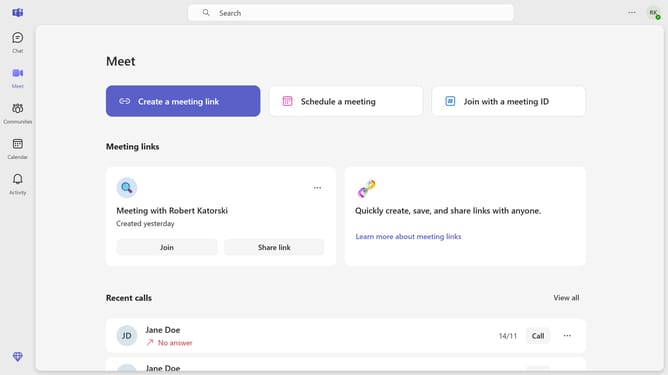
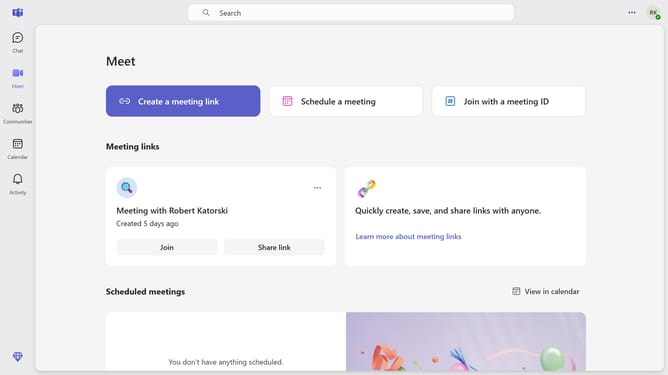
- First click on the "Options" button (three-dot icon) in the top-right corner of the Teams window
- Then click on "Settings" option from the dropdown menu
- Next click on the "How to handle messages in other languages" dropdown in the Translation section
- Finally select "Auto-translte all messages" option from the translation settings dropdown
Why should you enable auto-translation for all messages in Microsoft Teams
Microsoft Teams is a dynamic collaboration tool designed to enhance communication and productivity.
Enabling auto-translation for all messages in Microsoft Teams transforms your team's interactions into seamless, multilingual dialogues.
This feature removes language barriers, allowing team members from different linguistic backgrounds to communicate effectively. Embracing auto-translation fosters inclusive work environments, empowering global teams to collaborate without hesitation.
Ultimately, this elevates team efficiency and aligns their focus on shared goals.
Last update