How to find a specific message in Microsoft Teams
Here is how to find a specific message in microsoft teams
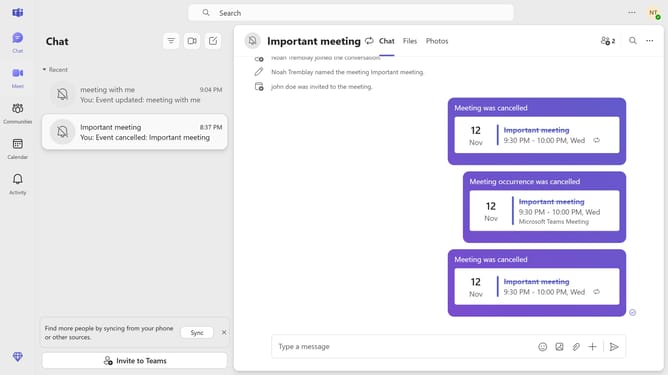
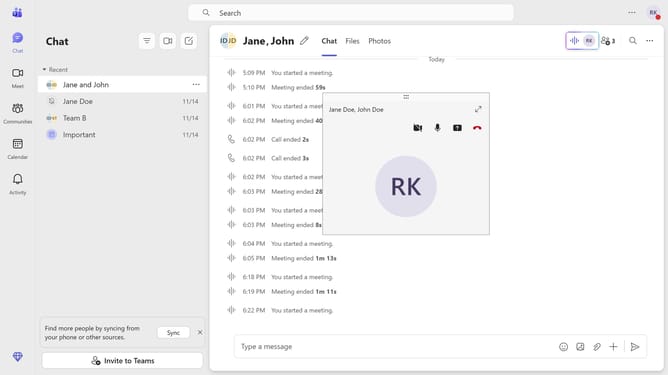
- First click on the "Chat" icon in the top navigation bar to open the chat interface
- Then click a message in the chat history panel
- Next click on the "Search" icon in the top-right corner of the chat window
- Then click on the search text input field that appears with placeholder "Enter a search keyword..." and type in the message you want to search from the conversation
- Finally click the arrow button to search fot the message
Why should you find a specific message in Microsoft Teams
Microsoft Teams is a dynamic collaboration hub designed to enhance teamwork and communication.
Finding a specific message in Microsoft Teams is seamless and efficient, allowing users to quickly locate important information amidst bustling conversations.
This feature streamlines the retrieval of essential details, ensuring teams remain informed and agile. It enhances productivity by saving time and reducing the clutter of unnecessary searches.
Ultimately, it ensures a smoother communication workflow, boosting overall efficiency within any team environment.
Last update