How to require confirmation before translating messages in Microsoft Teams
Here is how to require confirmation before translating messages in microsoft teams
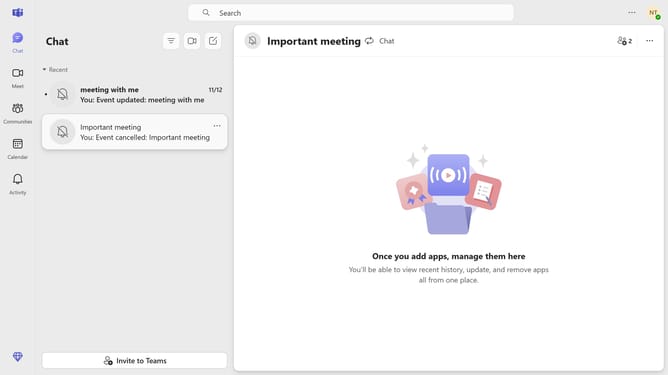
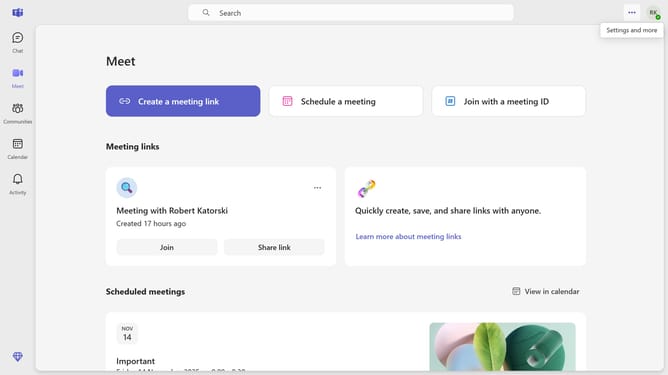
- First click the settings menu button in the top-right corner of the application
- Then click on the "Settings" option in the dropdown menu
- Next click on "How to handle messages in other laguages" dropdown button
- Finally click "Ask me before translating" from the dropdown menu
Why should you require confirmation before translating messages in Microsoft Teams
Microsoft Teams is a dynamic collaboration platform designed to streamline communication and teamwork.
One powerful feature is the option to require confirmation before translating messages.
This adds a layer of verification, ensuring the intent and meaning remain intact, crucial in multilingual and culturally diverse teams.
By preventing unintended translations, users are empowered to maintain clarity and originality in conversations, fostering more accurate and impactful communication.
Last update