How to mute meeting chat notifications in Microsoft Teams
Here is how to mute meeting chat notifications in microsoft teams
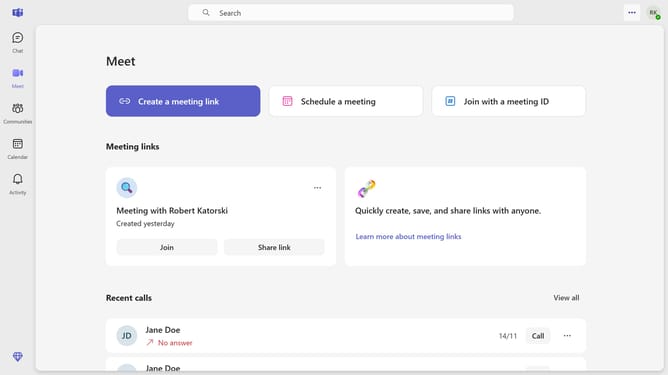
- First click on the menu button in the top-right corner of the screen
- Then click on "Settings" option from the dropdown menu
- Next click on "Notifications and activity" in the settings sidebar menu
- Then scroll down in the Notifictions and activity settings
- Next click on the dropdown menu for "Meeting chat notifications"
- Finally select "Mute" option from the meeting chat notifications dropdown
Why should you mute meeting chat notifications in Microsoft Teams
Microsoft Teams is a dynamic collaboration platform designed to enhance teamwork and communication.
One of its notable features is the ability to mute meeting chat notifications. This enables users to focus on the discussion at hand without being interrupted by the constant ping of new chat messages.
Muting notifications is particularly beneficial in maintaining concentration and minimizing distractions during important meetings. It ensures a seamless workflow, helping users remain engaged and productive.
By reducing noise, this feature fosters a more immersive and efficient meeting experience.
Last update