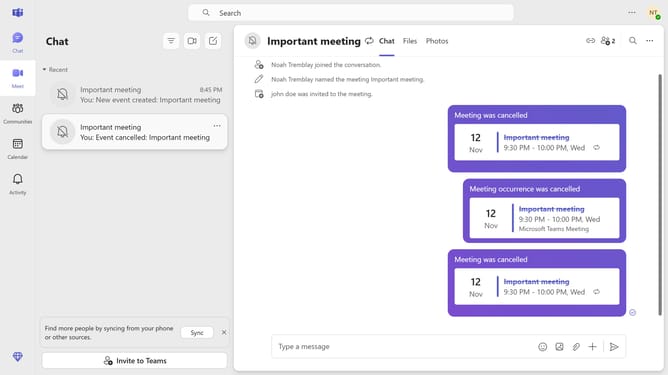
How to enable brightness adjustment in Microsoft Teams
Here is how to enable brightness adjustment in microsoft teams
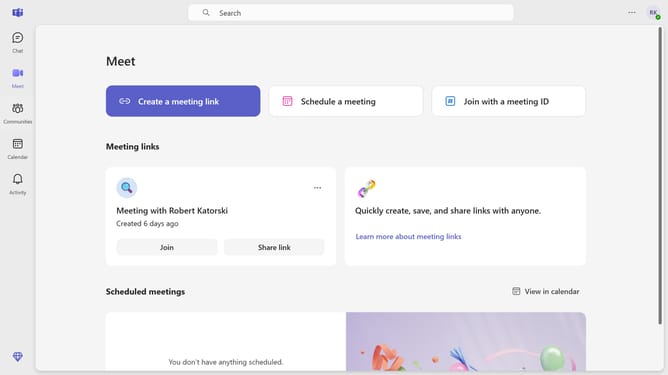
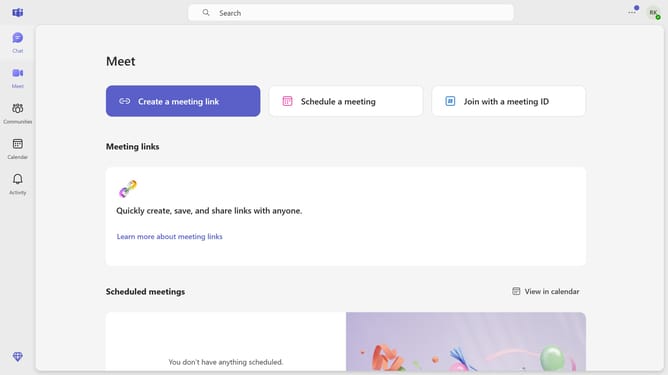
- First click on the "More options" button (three dots icon) in the top-right corner of the header
- Then click on "Settings" option in the dropdown menu
- Next click on "Devices" option in the left sidebar navigation menu
- Then scroll down the page to view additional device settings
- Finally locate the "Adjust brightness" toggle switch in the Video settings section to enable it
Why should you enable brightness adjustment in Microsoft Teams
Microsoft Teams is a versatile collaboration platform designed to enhance productivity and connectivity.
One notable feature of Microsoft Teams is the ability to adjust your screen brightness during video calls.
This adjustment can help ensure clear visibility of your face, which is crucial for effective communication in both professional and personal settings.
Enabling brightness adjustment not only enhances your visual presence but also optimizes the viewing experience, making interactions more engaging and efficient.
Last update