How to disable ignoring spelling of words in uppercase in Microsoft Teams
Here is how to disable ignoring spelling of words in uppercase in microsoft teams
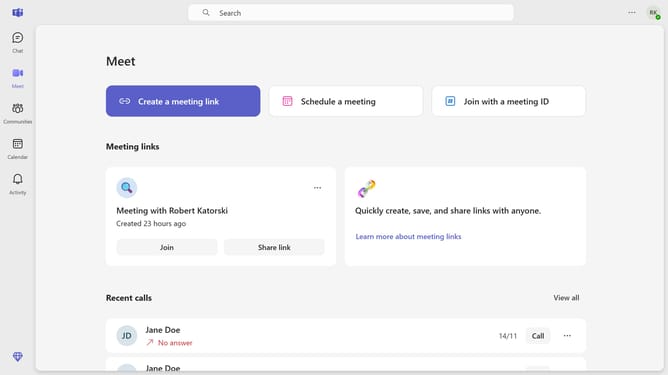
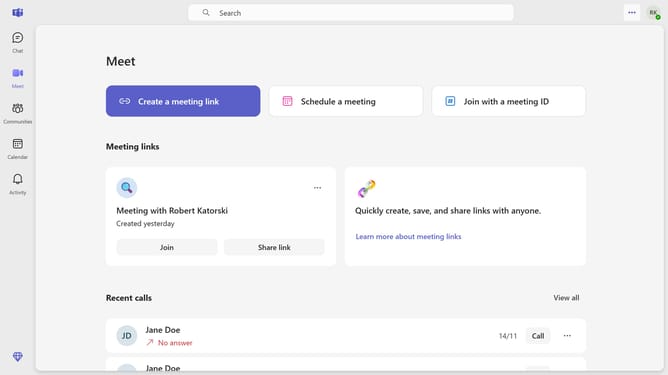
- First click on the settings (three-dot icon) in the top-right corner of the application window
- Then click on the "Settings" option in the dropdown menu
- Scroll down in the General settings
- Finally uncheck the "Ignore words in UPPERCASE" checkbox in the Editor spellcheck section
Why should you disable ignoring spelling of words in uppercase in Microsoft Teams
Microsoft Teams is a versatile platform designed to streamline collaboration and communication within organizations.
By disabling the feature that ignores spelling errors in uppercase words, Microsoft Teams users can ensure that their messages are error-free, even when using acronyms or all caps for emphasis.
This feature is particularly useful in maintaining professionalism in communication, as it helps catch typos that might be overlooked otherwise.
Ultimately, it enhances clarity and comprehension, contributing to more efficient and effective interactions.
Last update