How to mark a message as read in Microsoft Teams
Here is how to mark a message as read in microsoft teams
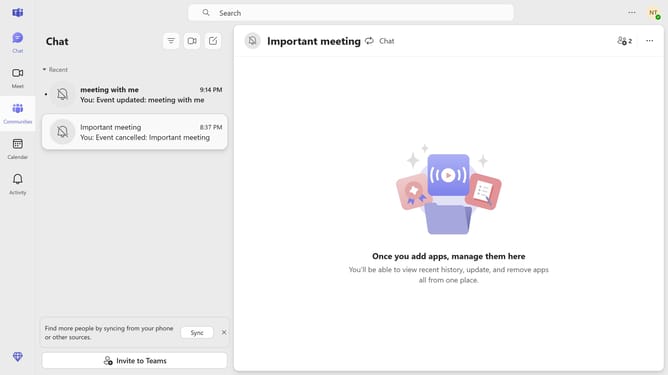
- First click on the "Chat" icon in the top navigation bar
- Then click on the "More options" button (three dots) next to the message you want to mark as read
- Finally click on "Mark as read" option in the dropdown menu
Why should you mark a message as read in Microsoft Teams
Microsoft Teams is a powerful collaboration tool that streamlines communication and project management within organizations.
Marking a message as read in Microsoft Teams is a subtle yet effective feature that ensures users stay informed while managing their notifications efficiently.
By utilizing this feature, professionals can quickly acknowledge the receipt and understanding of messages, reducing notification overload and increasing productivity. This allows teams to maintain focus on tasks without the clutter of unchecked messages.
Last update