How to manage spellcheck languages in Microsoft Teams
Here is how to manage spellcheck languages in microsoft teams
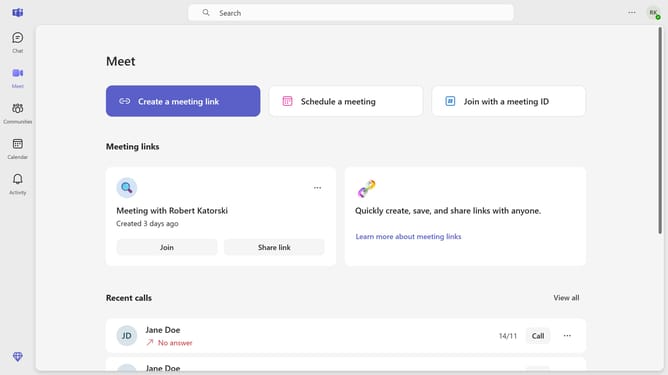
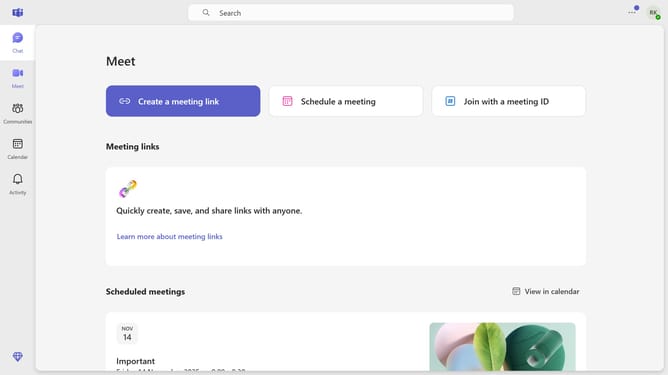
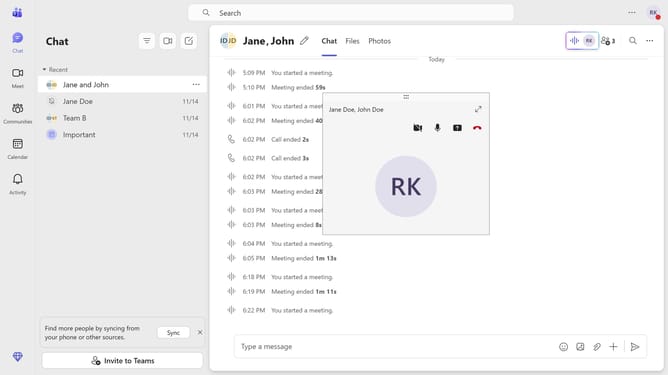
- First click on the three-dots icon button in the top-right corner of the header
- Then click on the "Settings" option from the dropdown menu
- Next scroll down in the "General" settings
- Then click on the "Select a spell check language" dropdown in the main settings area
- Next select your preferred language from the language dropdown list
- Finally click on the "Add" button to add the selected spellcheck language
Why should you manage spellcheck languages in Microsoft Teams
Microsoft Teams is a versatile collaboration platform designed to bring people together seamlessly in the workplace.
Managing spellcheck languages in Microsoft Teams enhances communication by ensuring accuracy across different languages. With this feature, users can effortlessly switch between languages, maintaining professionalism and minimizing errors in multilingual environments.
This capability is invaluable for global teams, promoting clear messaging and reducing misunderstandings, ultimately boosting productivity and collaboration. It empowers users, providing a more inclusive workspace where everyone’s linguistic preferences are respected.
Last update