How to send an emoji in a chat in Microsoft Teams
Here is how to send an emoji in a chat in microsoft teams
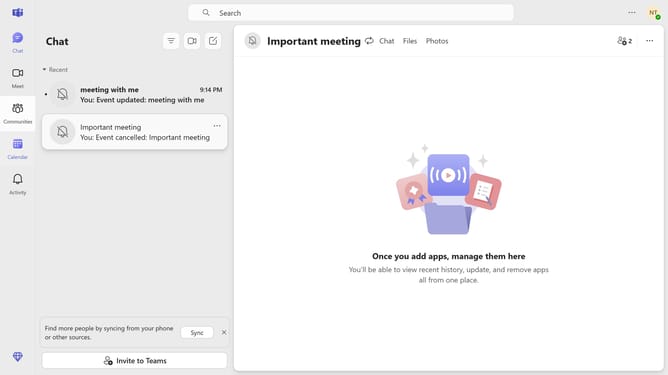
- First click on the "Chat" button in the top navigation bar
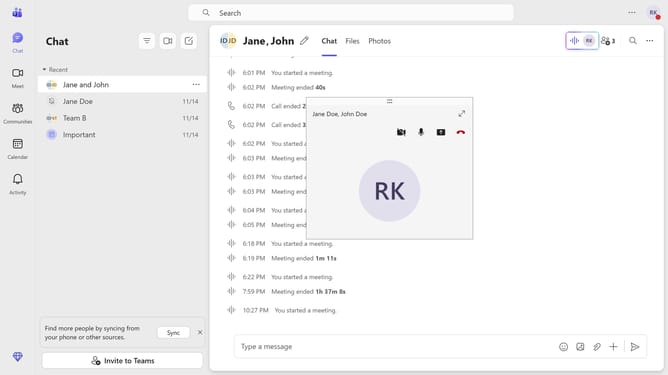
- Then click on the chat conversation in the chat list
- Next click on the emoji button in the message input area
- Then select an emoji from the emoji picker panel
- Finally click the send button in the message input area to send the message with the emoji
Why should you send an emoji in a chat in Microsoft Teams
Microsoft Teams is a dynamic collaboration platform designed to enhance communication and teamwork within organizations.
Sending an emoji in a chat on Microsoft Teams is a simple yet powerful feature. Emojis add a personal touch to messages, making interactions more engaging and expressive.
Using emojis helps convey emotions and tone more clearly, reducing misunderstandings in digital communication. This feature enriches the conversation experience, fostering a more connected and vibrant team environment.
Integrating emojis into your chat can boost morale and make daily communication more enjoyable and human.
Last update