How to enable confirmation before leaving a meeting in Microsoft Teams
Here is how to enable confirmation before leaving a meeting in microsoft teams
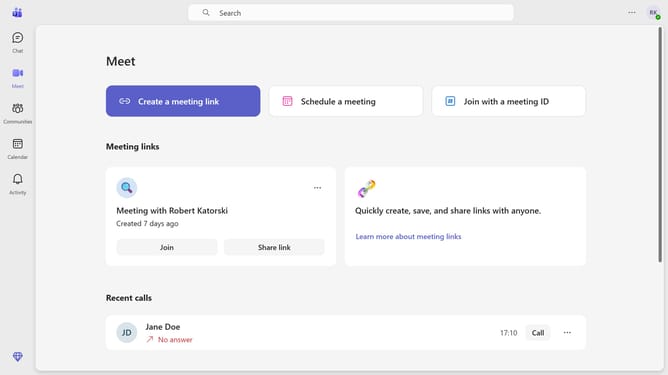
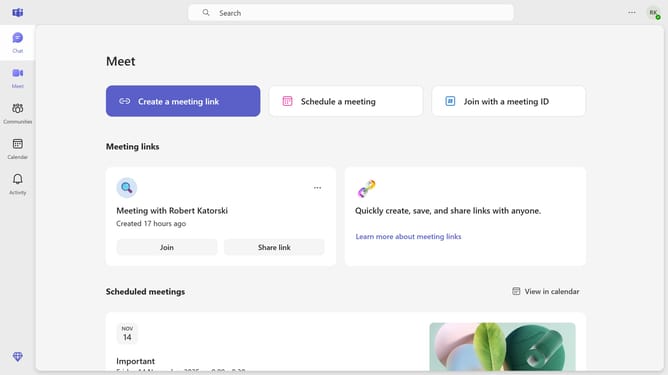
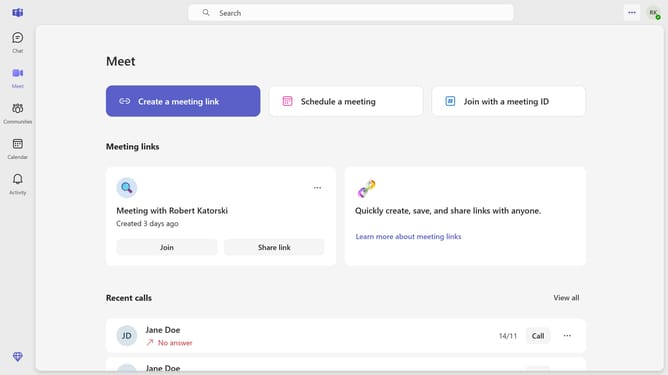
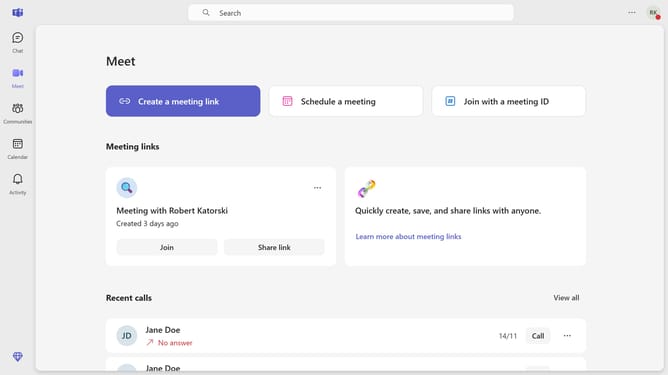
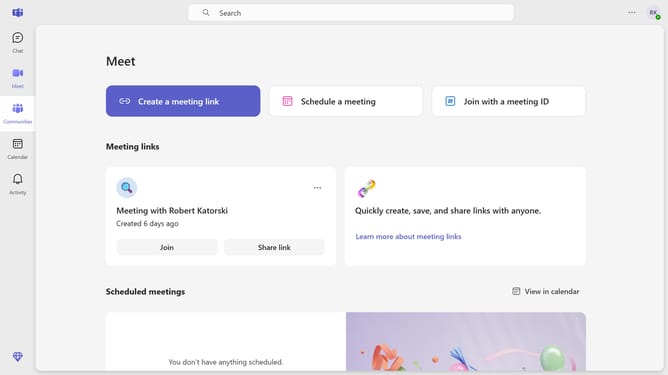
- First click on the settings menu icon in the top right corner of the main interface
- Then click on the "Settings" option from the dropdown menu
- Finally click on the "Ask me to confirm when I leave a meeting" checkbox in the General settings section
Why should you enable confirmation before leaving a meeting in Microsoft Teams
Microsoft Teams is a powerful platform designed to streamline team collaboration and communication in the modern workplace.
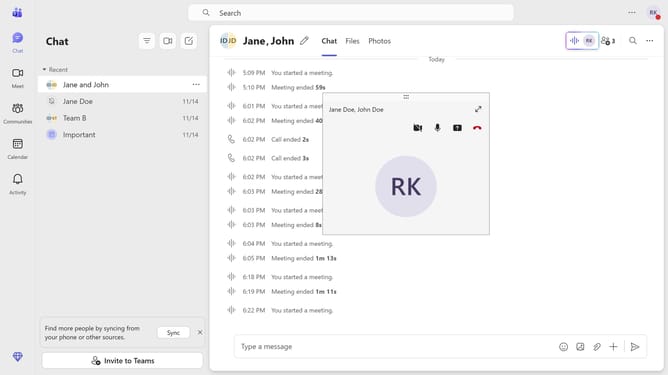
One noteworthy feature is the ability to enable a confirmation prompt before leaving a meeting. This ensures that accidental exits are a thing of the past.
Using this option not only fosters uninterrupted discussions but also enhances overall meeting productivity by allowing participants to remain focused and engaged until the very end. This feature embodies the reliability and user-friendly approach that makes Microsoft Teams indispensable for successful collaboration.
Last update