How to enable all activity notifications for a community in Microsoft Teams
Here is how to enable all activity notifications for a community in microsoft teams
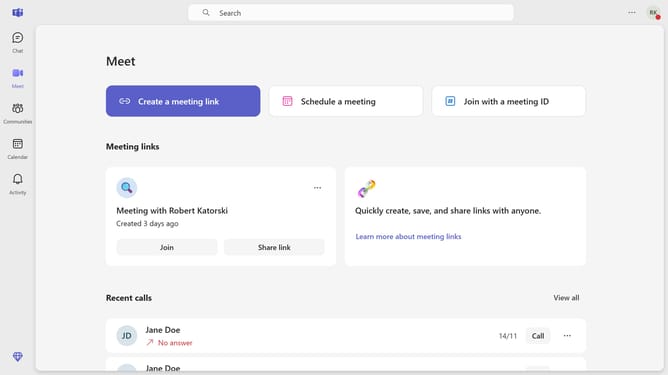
- First click on the "Communities" button in the left sidebar
- Then click on the "More options" button (three dots) next to the community you want to change the notification settings
- Next click on the "Notifications" option in the dropdown menu
- Then select the "All activity" radio button option in the Community notifications dialog
- Finally click on the "Save" button to confirm the notification settings
Why should you enable all activity notifications for a community in Microsoft Teams
Microsoft Teams revolutionizes collaboration by bringing together chat, video calls, and file sharing on one platform.
Enabling all activity notifications for a community in Teams ensures you stay up-to-date with every interaction and update within your group.
This feature makes it easy to follow discussions, respond promptly, and never miss important developments, enhancing both productivity and teamwork synergy.
Staying informed fosters stronger engagement, allowing each member to contribute effectively and keep the community thriving.
Last update