How to reset your status in Microsoft Teams
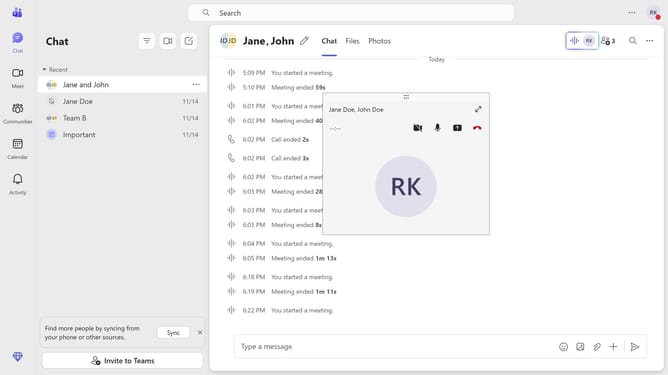
Here is how to reset your status in microsoft teams
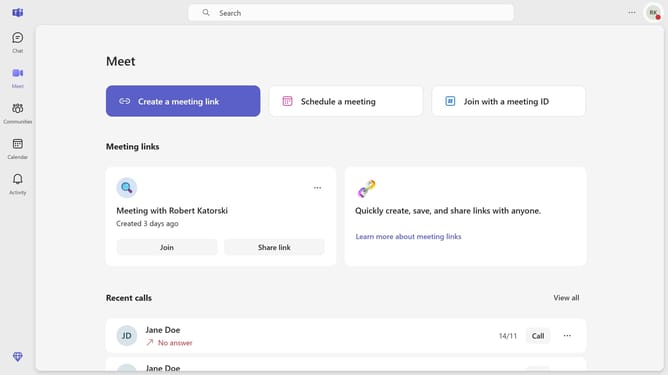
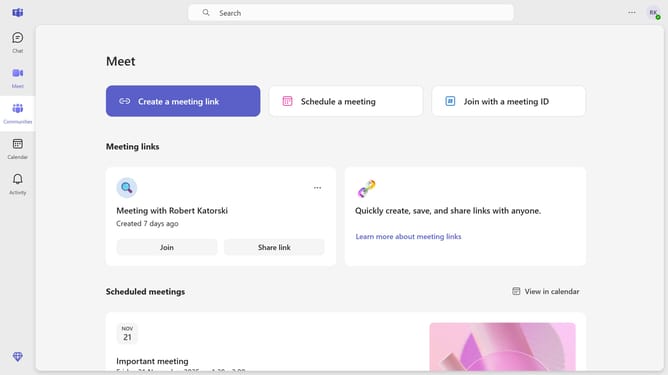
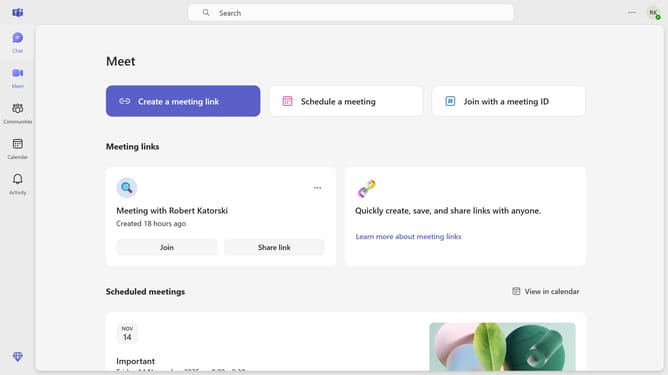
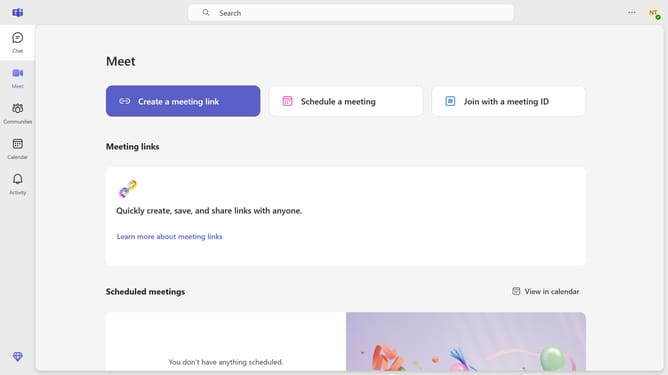
- First click on your profile icon in the top-right corner of the Teams interface
- Then click on the status in the personal menu dropdown
- Finally click on the "Reset status" from the dropdown menu
Why should you reset your status in Microsoft Teams
Microsoft Teams is a powerful collaboration tool designed to enhance productivity and communication.
Resetting your status in Microsoft Teams is a simple way to ensure your availability is accurately represented to your colleagues. This feature helps maintain seamless communication by reflecting when you are free or busy, avoiding unnecessary interruptions.
By keeping your status up-to-date, you create a more productive work environment, allowing team members to coordinate their tasks more efficiently.
Last update