How to change a community name in Microsoft Teams
Here is how to change a community name in microsoft teams
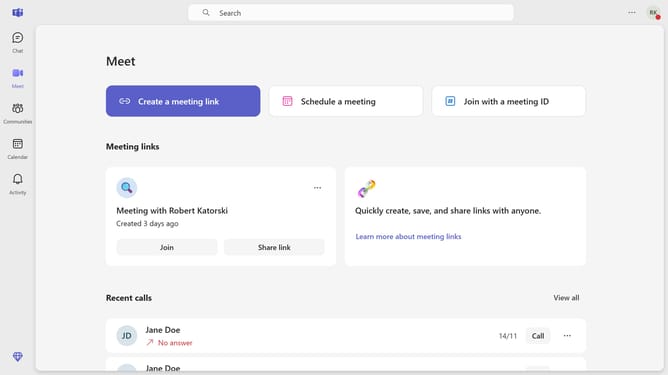
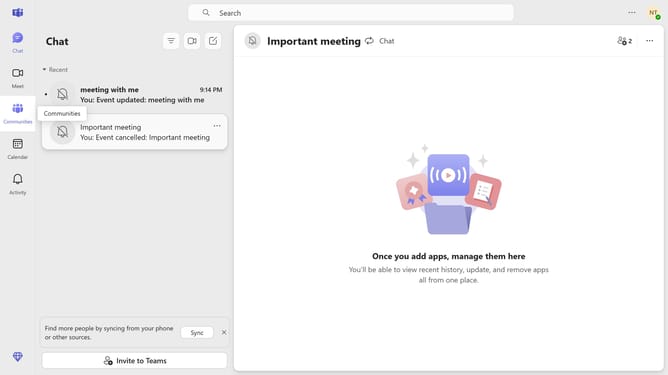
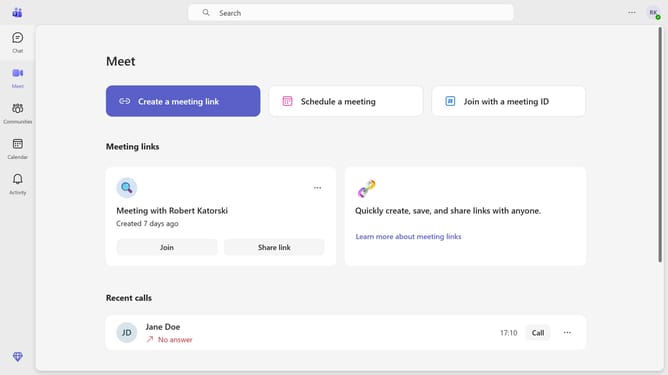
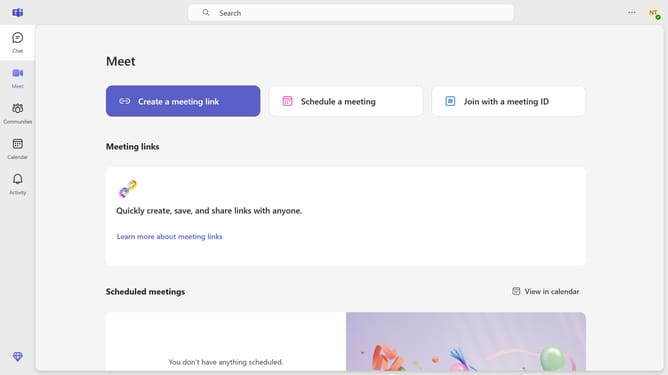
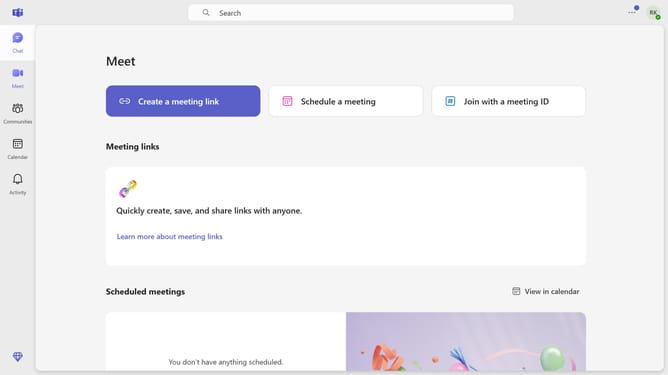
- First click on the "Communities" button in the left sidebar
- Then click on the "More options" button (three dots) next to the "Professional" community in the left sidebar
- Next click on the "Edit community" option from the dropdown menu
- Then click on the "Community name" text field and modify the name
- Finally click on the "Save" button to save the changes
Why should you change a community name in Microsoft Teams
Microsoft Teams is a collaboration hub designed to streamline communication and productivity for organizations of all sizes.
One of its advantageous features is the ability to change a community name with ease, offering flexibility and adaptability to teams as they evolve.
This feature is particularly useful when your team’s focus shifts or rebranding occurs, ensuring your community identity remains relevant.
Updating the community name fosters clarity among members, promoting enhanced collaboration and alignment with organizational objectives.
Last update