How to start a meeting call in Microsoft Teams
Here is how to start a meeting call in microsoft teams
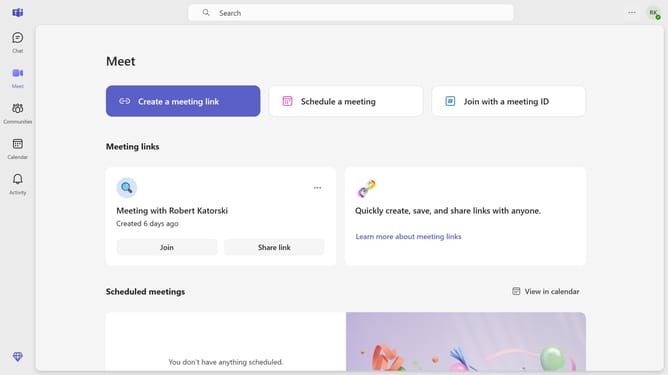
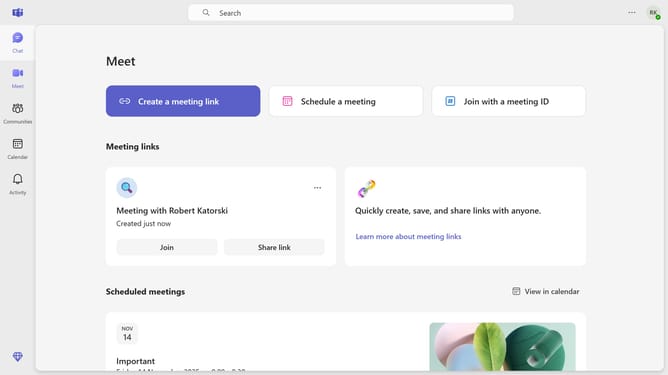
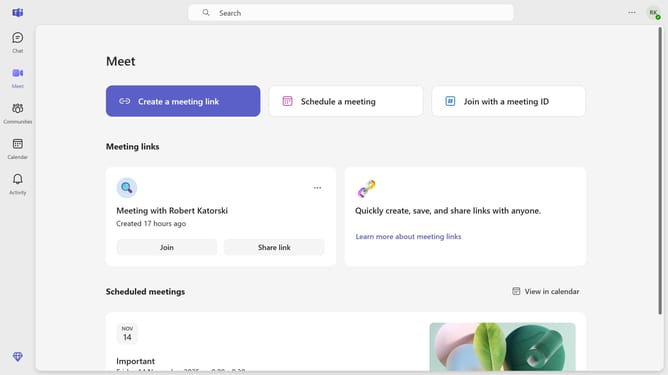
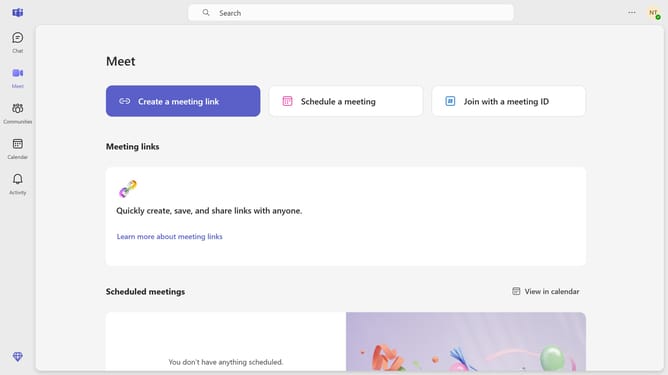
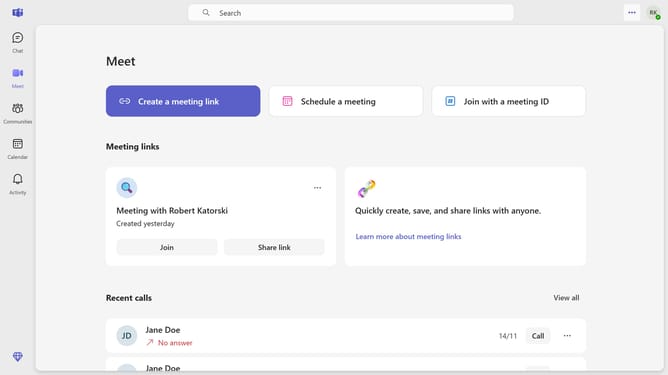
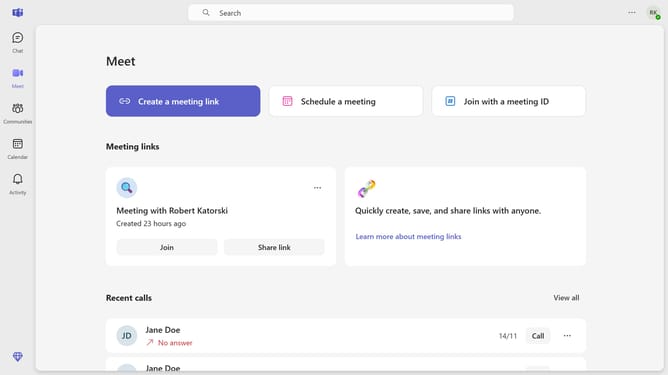
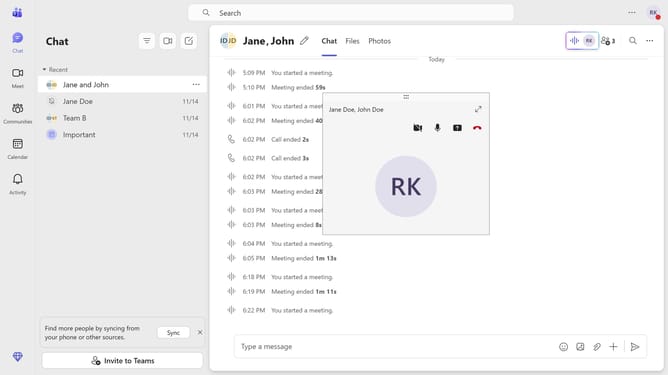
- First click on the "Chat" button in the left sidebar to navigate to the Chat section
- Then click on a group chat in the chats list in the left panel
- Finally click on the "Meet now" button in the top right corner of the chat window to start an instant meeting
Why should you start a meeting call in Microsoft Teams
Microsoft Teams is a powerful collaboration platform designed to unify communication and teamwork in professional settings.
Starting a meeting call in Microsoft Teams is intuitive and effortless, empowering users to connect seamlessly with colleagues and clients alike.
This feature streamlines the process of gathering teams, promoting swift decision-making and enhanced productivity.
By leveraging quick meeting startups, professionals can save time and focus on their core tasks, fostering an environment of efficiency and collaboration.
Last update