How to edit messages in Microsoft Teams
Here is how to edit messages in microsoft teams
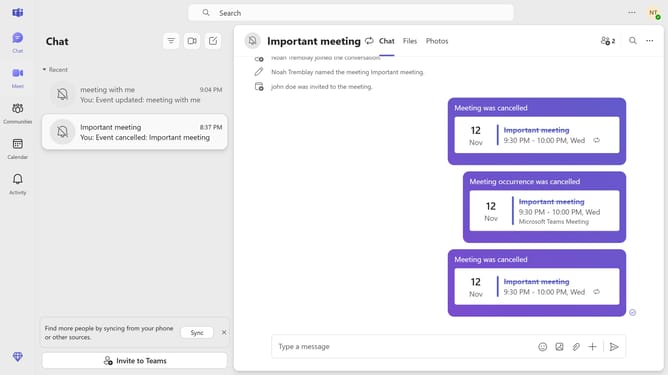
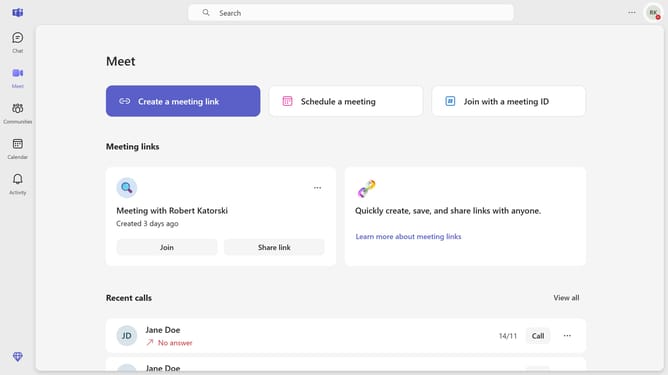
- First click on the "Chat" icon in the top navigation bar
- Then click on the chat where you want to edit a message
- Hover your mouse cursor over the message you want to edit
- Then click on the "Edit" pencil icon next to the message
- Then edit your message
- Finally click the "Send" checkmark button to update the message
Why should you edit messages in Microsoft Teams
Microsoft Teams is a powerful platform designed for seamless communication and collaboration within organizations.
The ability to edit messages in Microsoft Teams is a game-changer for maintaining clear and coherent communication. This feature empowers users to swiftly correct typos, update information, or clarify statements in ongoing chats.
Editing messages enhances professional interactions, ensuring that your communications are always accurate and up-to-date. It streamlines workflow and helps maintain a smooth, uninterrupted conversation flow.
Last update