How to update community event date in Microsoft Teams
Here is how to update community event date in microsoft teams
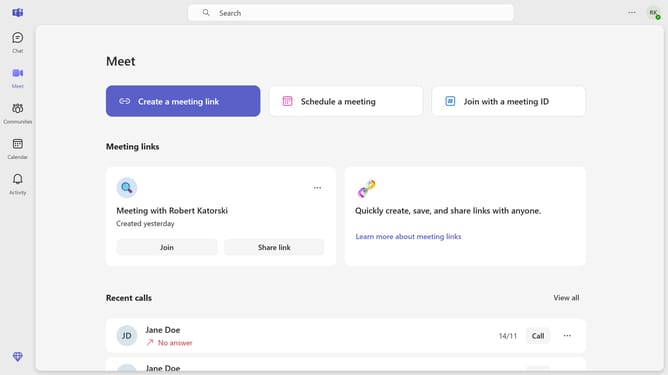
- First click on the "Communities" button in the left sidebar
- Then click a channel in the left sidebar
- Next click on the "Events" button in the top navigation bar
- Then click on the "Edit" button in the meeting details section
- Next click on the date field to open the calendar picker
- Then click on your preferred date for the meeting in the calendar picker
- Finally click on the "Send update" button to confirm the changes
Why should you update community event date in Microsoft Teams
Microsoft Teams is a dynamic communication platform designed to enhance collaboration for individuals and organizations.
Updating the date of a community event in Microsoft Teams is a straightforward feature that simplifies scheduling. This ensures that all participants are informed about the latest changes promptly, maintaining organizational harmony.
Utilizing this feature helps in minimizing miscommunication, allowing seamless event coordination. It saves time and enhances productivity, fostering an environment where teamwork and clarity prevail.
Last update