How to enable spellcheck in Microsoft Teams
Here is how to enable spellcheck in microsoft teams
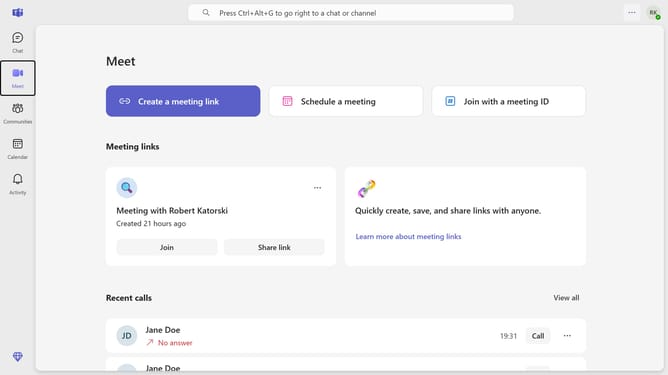
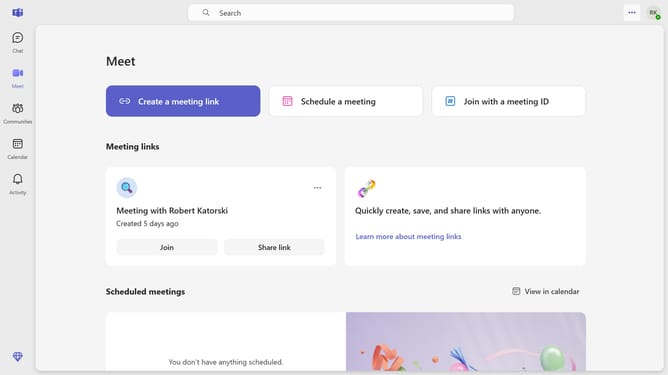
- First click on the options menu(three-dots) button in the top-right corner of the interface
- Then click "Settings" from the dropdown menu
- Scroll down in the General settings
- Finally, click the "Spelling" toggle switch in the General settings panel to enable it
Why should you enable spellcheck in Microsoft Teams
Microsoft Teams is a powerful hub for collaboration and communication in the digital workplace.
By enabling spellcheck in Microsoft Teams, users ensure their messages are free from misspellings, enhancing professional communication.
This feature helps maintain clarity and professionalism in chats and documents, reducing distractions caused by errors.
With spellcheck, you can communicate with confidence, focusing on the message rather than worrying about typing mistakes.
Last update