How to allow anyone to add you to groups in Microsoft Teams
Here is how to allow anyone to add you to groups in microsoft teams
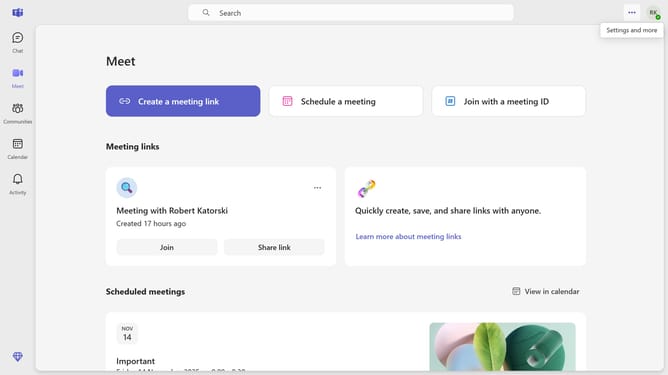
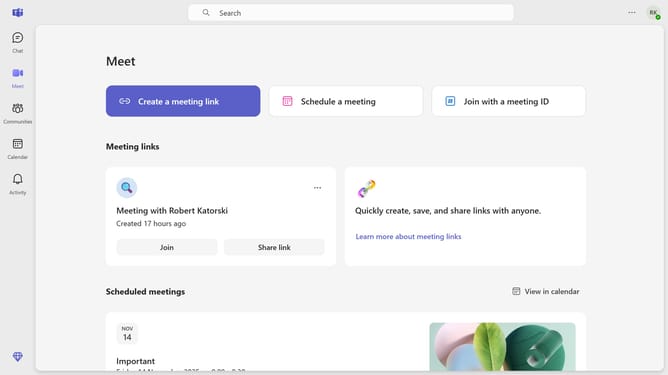
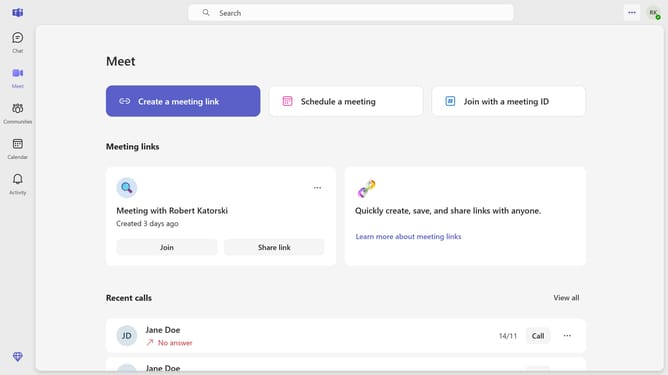
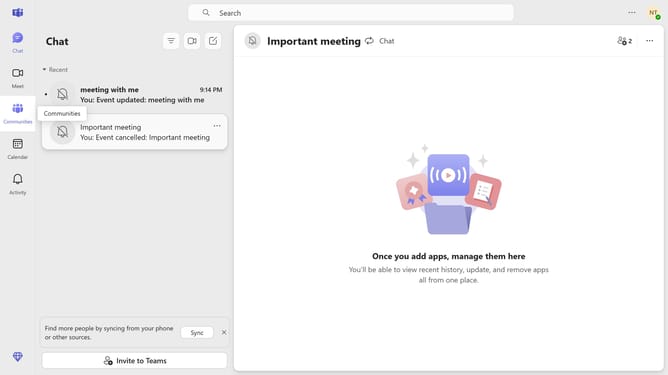
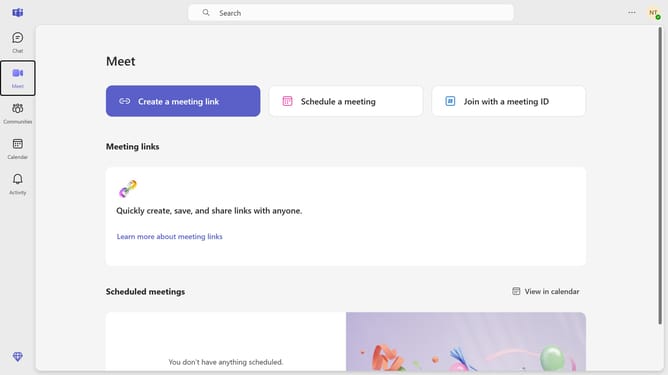
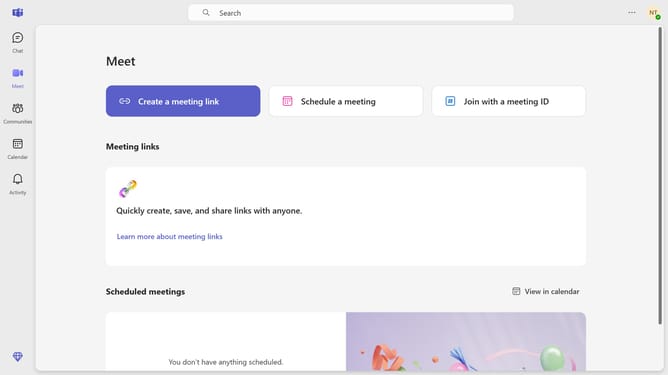
- First click on the "More options" button in the top-right corner of the Teams interface
- Then click on the "Settings" option from the dropdown menu
- Next click on the "Privacy" section in the left sidebar menu
- Then click on the dropdown menu for "Manage who can add you to groups"
- Finally click on "Anyone" option in the dropdown menu
Why should you allow anyone to add you to groups in Microsoft Teams
Microsoft Teams is a dynamic collaboration platform designed to enhance communication and teamwork across organizations.
One of the key features of Microsoft Teams is the ability to let anyone add you to groups, expanding collaboration and ensuring no opportunity is missed. This feature allows seamless integration into diverse teams, making sure you stay connected and informed.
By enabling this option, you foster a more inclusive and agile environment. It opens doors to new projects and discussions, allowing for faster and more efficient communication within your network.
Last update