How to set chat density to compact in Microsoft Teams
Here is how to set chat density to compact in microsoft teams
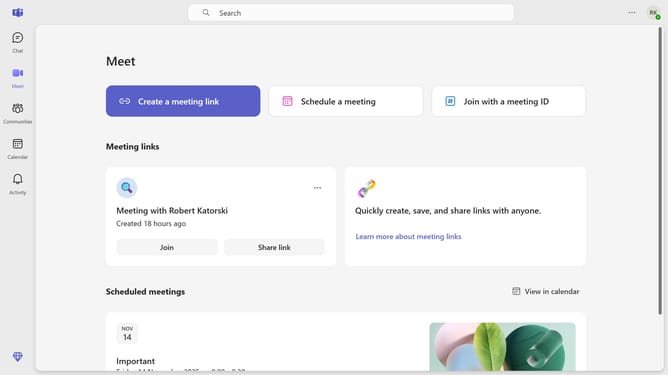
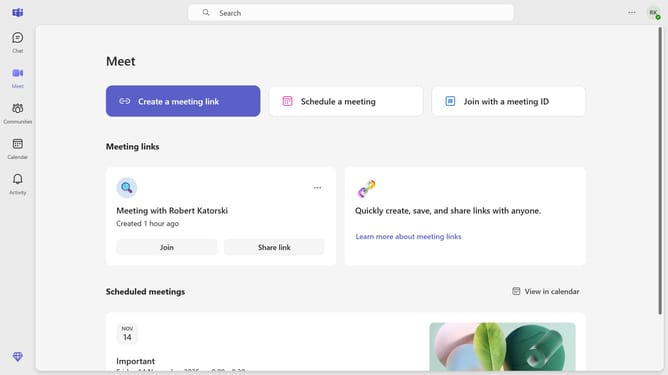
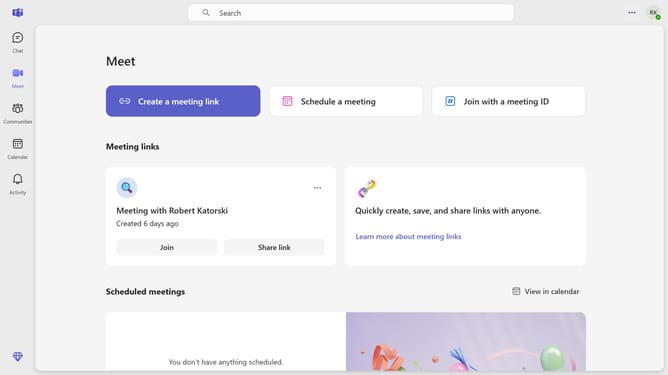
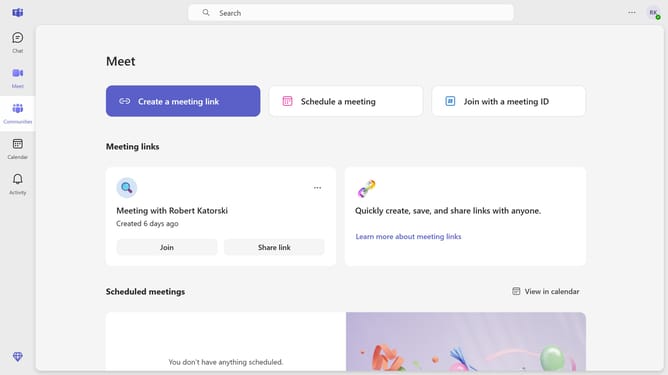
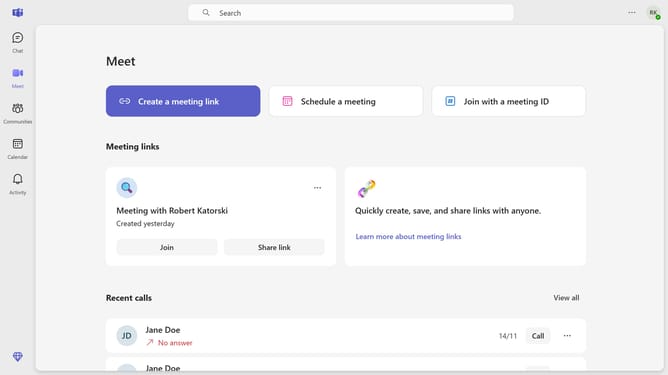
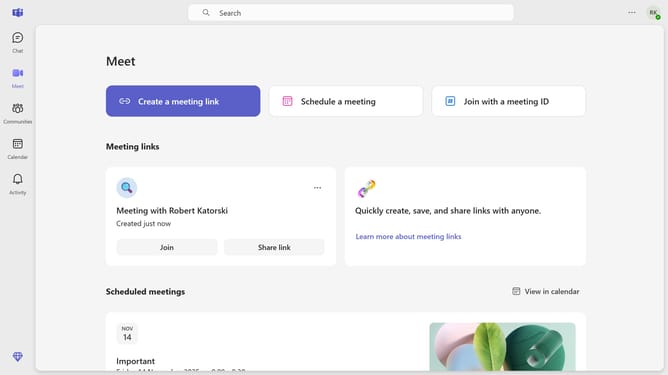
- First click on the "More options" button in the top-right corner of the Teams window
- Then click on "Settings" from the dropdown menu
- Next select the "Appearance" option from the Settings sidebar menu
- Finally click on the "Compact" option in the Chat density section of the Appearance settings
Why should you set chat density to compact in Microsoft Teams
Microsoft Teams is a powerful collaboration platform designed to streamline communication and teamwork in the digital workspace.
One of its convenient features is the ability to set chat density to compact mode, optimizing how message threads are displayed.
This functionality is particularly useful for users who wish to maximize their screen space, allowing more messages to be visible without scrolling.
By enabling compact chat density, Teams users enjoy a more efficient and organized workspace, enhancing productivity and focus.
Last update