How to disable notifications during calls and meetings in Microsoft Teams
Here is how to disable notifications during calls and meetings in microsoft teams
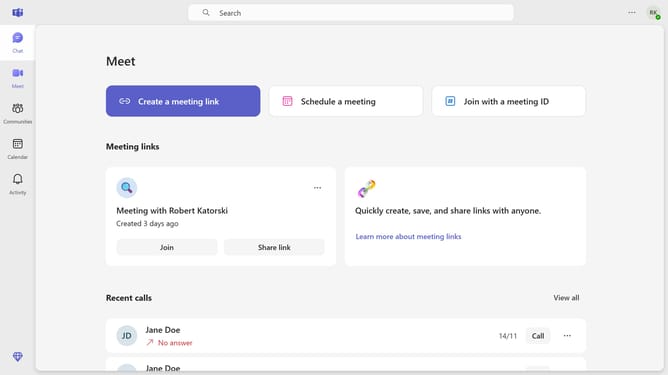
- First click on the "More" button (three-dot icon) in the top-right corner of the screen
- Then click "Settings" in the dropdown menu
- Next click on "Notifications and activity" option in the Settings menu
- Finally uncheck the "Show notifications during calls and meetings" checkbox in the Display section of Notifications settings
Why should you disable notifications during calls and meetings in Microsoft Teams
Microsoft Teams is a powerful platform designed to streamline communication and collaboration within teams.
By disabling notifications during calls and meetings, users can fully engage in discussions without distractions. This feature ensures that each conversation receives the attention it deserves, enhancing productivity and focus.
Utilizing this feature optimizes the meeting experience, allowing for more meaningful interactions and clearer communication, vital for achieving team goals efficiently.
Last update