How to set your status to busy using slash command in Microsoft Teams
Here is how to set your status to busy using slash command in microsoft teams
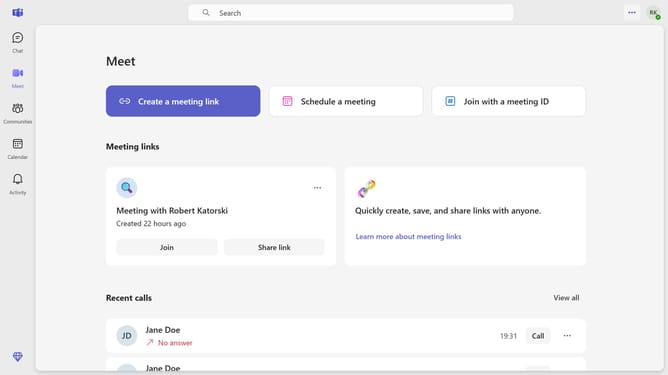
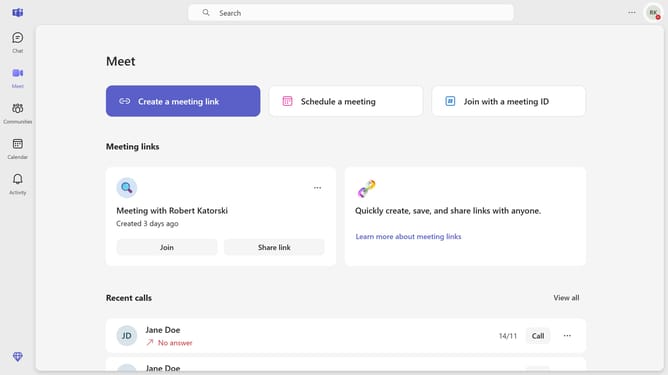
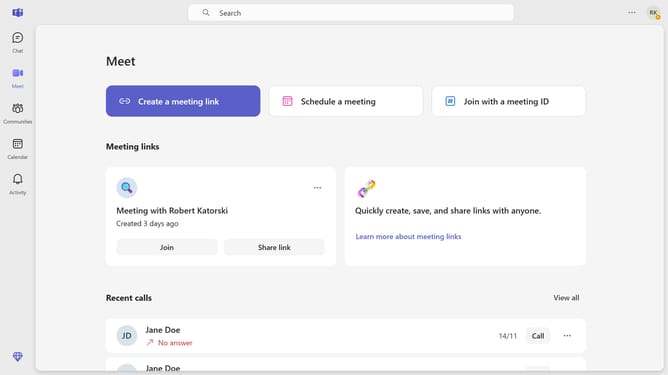
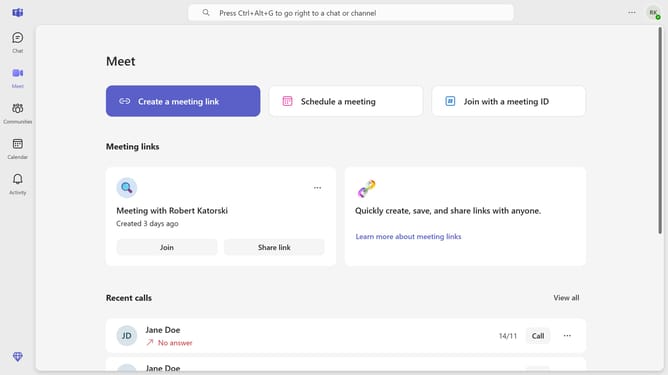
- First click on the "Chat" button in the top navigation bar
- Then click a conversation from the chat list
- Next click into the message input field at the bottom of the chat window and type "/busy"
- Finally click on the "/busy" command from the commands menu that appears
Why should you set your status to busy using slash command in Microsoft Teams
Microsoft Teams is a powerful collaboration platform designed to streamline communication and enhance productivity in the workplace.
Setting your status to "busy" using the slash command in Microsoft Teams offers a quick and efficient way to indicate to colleagues that you need uninterrupted focus.
This feature is invaluable for managing your availability without lengthy explanations, ensuring that your workflow remains uninterrupted and focused on what truly matters.
By clearly signaling your availability, you foster a more respectful and efficient virtual workspace.
Last update