How to prevent a specific language for being translated in Microsoft Teams
Here is how to prevent a specific language for being translated in microsoft teams
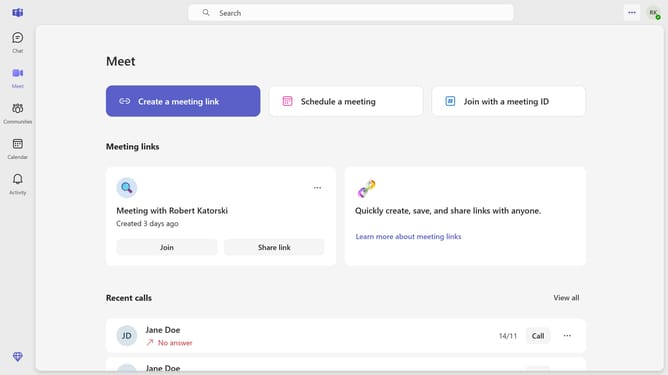
- First click on the settings menu icon in the top-right corner of the window
- Then click "Settings" from the dropdown menu
- Next click on the "Never translate messages in these languages" dropdown menu in the Translation settings section
- Finally select "French" from the language dropdown list
Why should you prevent a specific language for being translated in Microsoft Teams
Microsoft Teams is a versatile platform that enhances collaboration and communication among teams globally.
Preventing a specific language from being translated in Microsoft Teams ensures that the original context and nuances of the conversation are preserved. This feature is crucial for maintaining the authenticity of languages that may lose their true meaning when translated.
Using this feature promotes inclusivity by respecting the cultural nuances while facilitating seamless communication in multilingual teams.
Last update