How to copy message link in Microsoft teams
Here is how to copy message link in microsoft teams
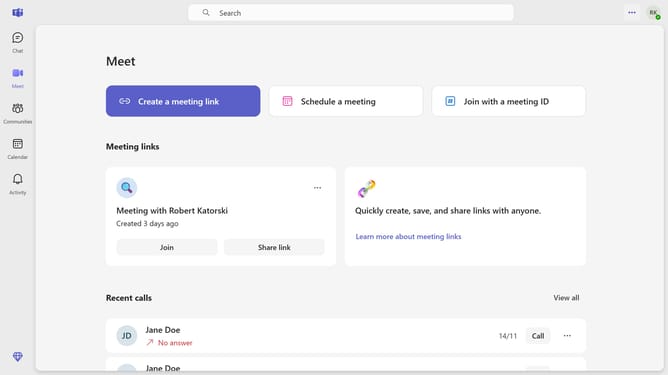
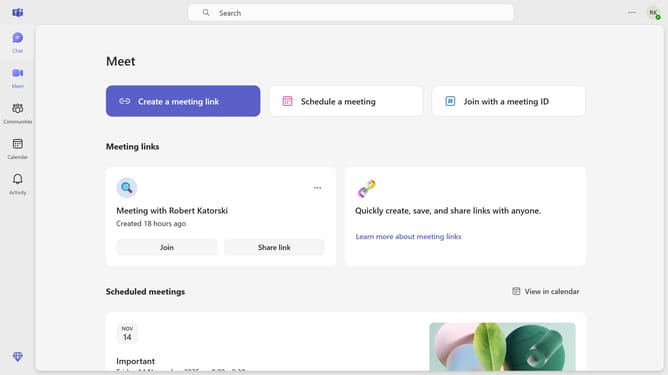
- First click on the "Chat" button in the left sidebar
- Then click a chat conversation in the chat list panel
- Next, hover your mouse over the message you want to copy the link from
- Then click on the "More actions" button (three dots) next to the message
- Finally select "Copy link" option from the message context menu
Why should you copy message link in Microsoft teams
Microsoft Teams is a collaboration hub designed to enhance workplace communication and productivity.
The feature to copy a message link in Microsoft Teams streamlines information sharing within a team. By simply capturing the link of a specific message, you ensure that team members have direct access to important discussions.
This feature boosts efficiency by reducing miscommunication and helps team members stay aligned, offering a seamless way to reference and revisit crucial information.
Last update