How to delete a group chat in Microsoft Teams
Here is how to delete a group chat in microsoft teams
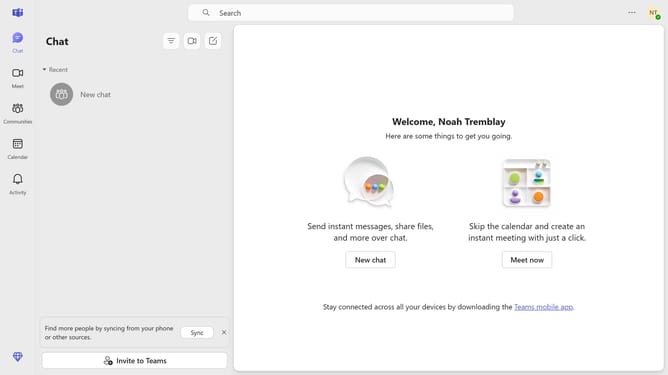
- First click on the "Chat" icon in the top navigation bar
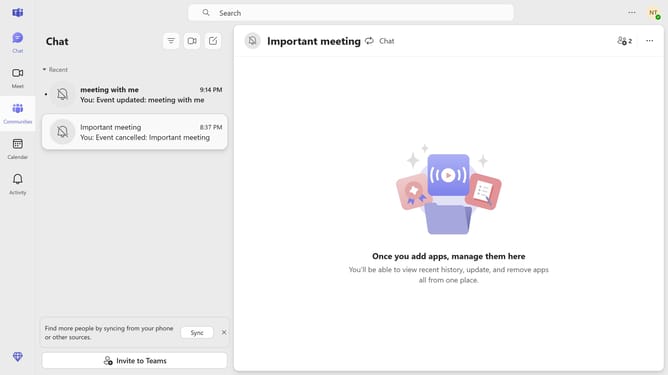
- Then click on the "More options" button (three dots) in the chat header
- Next click on the "Delete" option from the dropdown menu
- Finally click on the "Delete" button in the confirmation dialog to remove the group chat
Why should you delete a group chat in Microsoft Teams
Microsoft Teams is a collaboration platform designed to bring people, conversations, and content together seamlessly.
Deleting a group chat in Microsoft Teams helps maintain a clutter-free workspace, ensuring privacy and focus by removing outdated or irrelevant discussions.
Using this feature fosters a more organized digital environment, facilitating better team coordination and improved concentration on current tasks and projects.
Streamlining communications not only enhances productivity but also optimizes the overall user experience within the platform.
Last update