How to create a meeting link in Microsoft Teams
Here is how to create a meeting link in microsoft teams
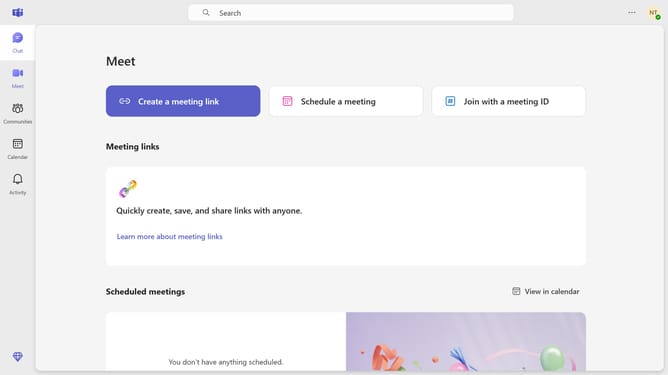
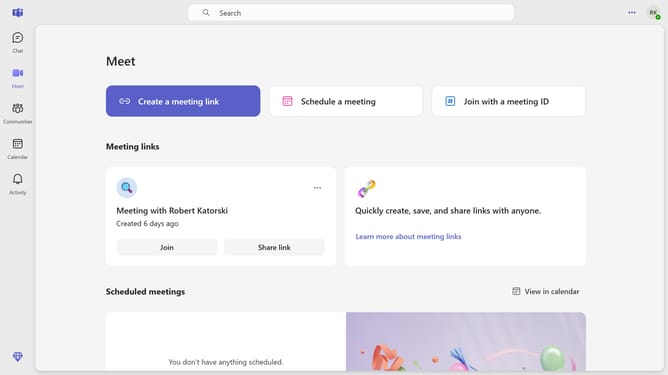
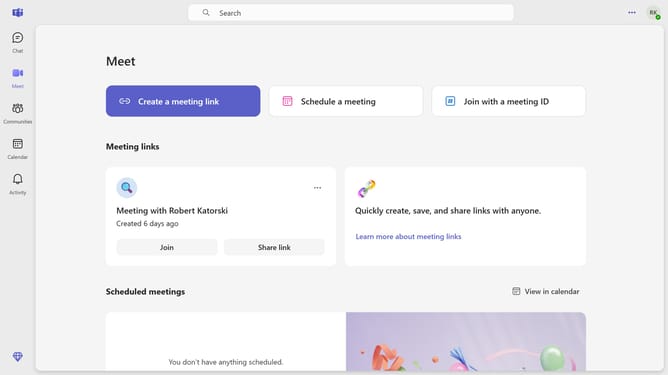
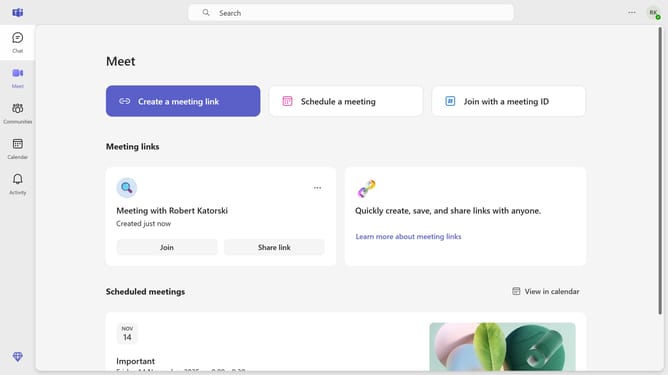
- First click on the "Meet" icon in the left sidebar
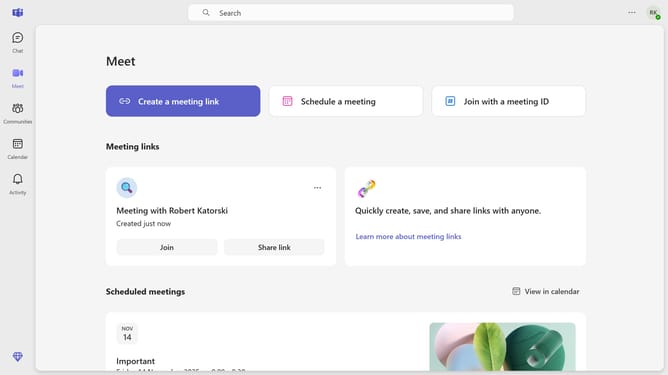
- Then click on the "Create a meeting link" button in the main content area
- Next click in the meeting title text field to enter your meeting name
- Finally click on the "Create and copy link" button under the meeting name you just created
Why should you create a meeting link in Microsoft Teams
Microsoft Teams is a dynamic collaboration platform designed to streamline communication and teamwork.
Creating a meeting link in Microsoft Teams is a seamless feature that facilitates easy scheduling and sharing of meetings. This feature allows users to generate a unique link that can be shared with participants, enabling quick and easy access to meetings.
Utilizing meeting links not only simplifies joining procedures but also enhances efficiency for both hosts and attendees, making virtual collaboration more streamlined and effective.
Last update