How to enable read receipts in Microsoft Teams
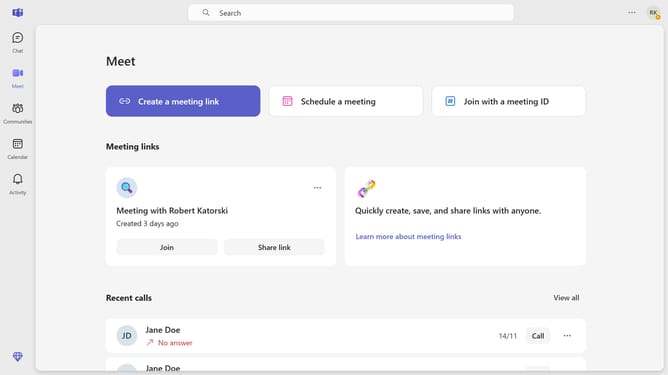
Here is how to enable read receipts in microsoft teams
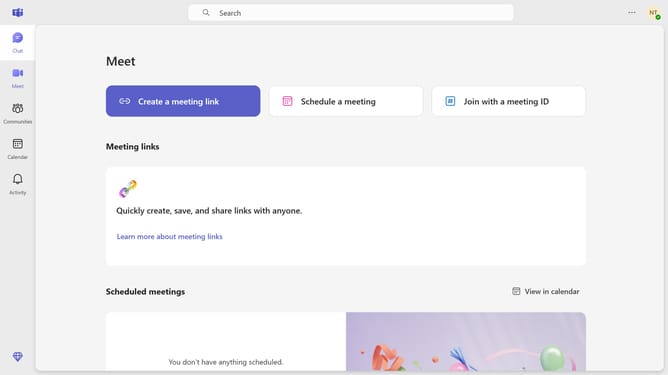
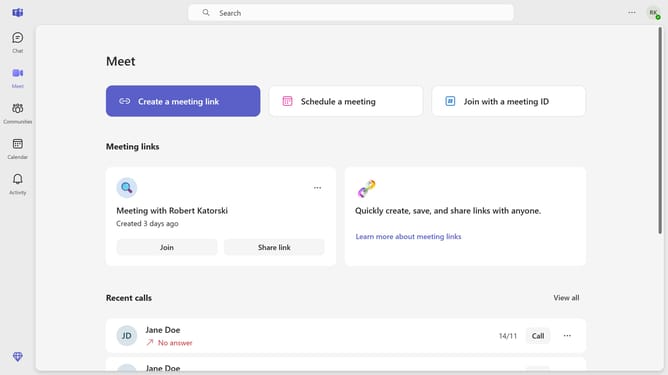
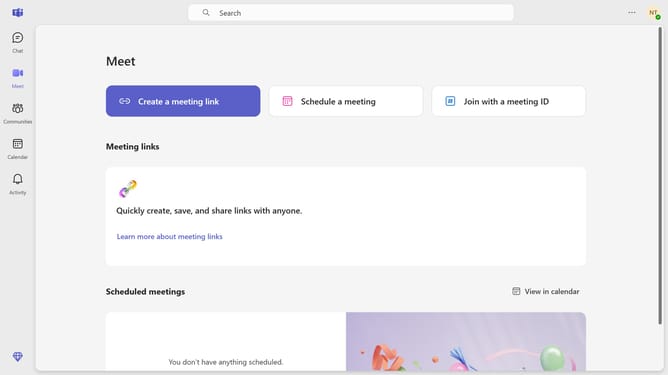
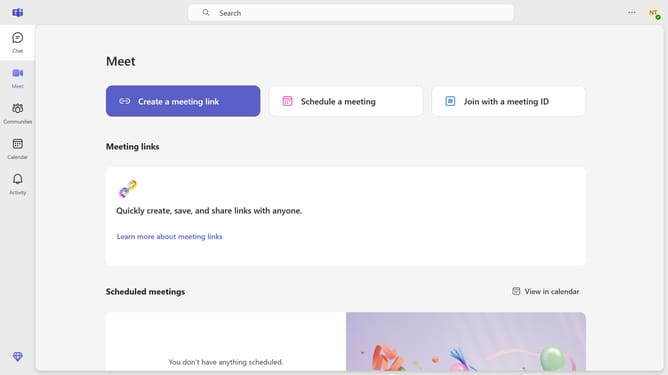
- First click on the settings menu button in the top-right corner of the screen
- Then click on the "Settings" option from the dropdown menu
- Next select the "Privacy" option from the left sidebar menu
- Finally toggle on the "Read receipts" switch in the Privacy settings panel
Why should you enable read receipts in Microsoft Teams
Microsoft Teams is a dynamic collaboration platform designed to streamline communication and teamwork.
Enabling read receipts in Microsoft Teams provides a valuable layer of transparency, allowing users to see when their messages have been read.
This feature enhances communication efficiency by ensuring that team members are on the same page and can follow up promptly if needed.
Ultimately, read receipts contribute to a more productive and responsive work environment, fostering better collaboration and understanding among team members.
Last update