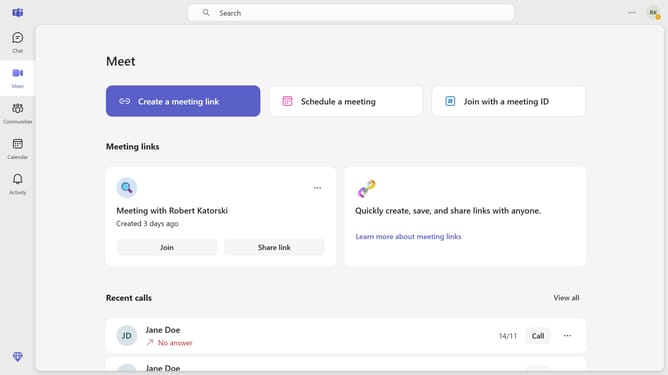
How to set a status message to clear this week in Microsoft Teams
Here is how to set a status message to clear this week in microsoft teams
- First click on the account menu icon in the top right corner of the screen
- In the opened account dropdown menu, click on the "Edit" pencil button under the status
- Click the dropdown arrow next to the duration setting
- Then click the "This week" option from the dropdown menu
- Finally click the "Done" button in the status message dialog
Why should you set a status message to clear this week in Microsoft Teams
Microsoft Teams is a versatile platform designed to enhance collaborative work environments.
Setting a status message in Teams to clear this week ensures that your colleagues know your focus or availability, helping streamline communication.
This thoughtful feature supports better time management and enhances productivity by allowing others to plan interactions around your schedule.
Overall, it fosters a transparent work culture, making it easier to balance workload and maintain team synergy.
Last update