How to disable community posts sent via email in Microsoft Teams
Here is how to disable community posts sent via email in microsoft teams
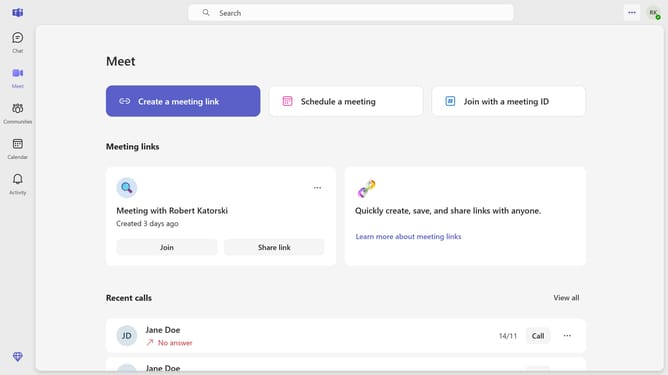
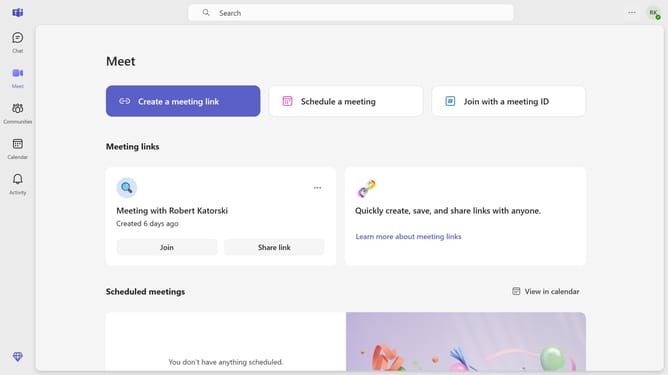
- First click on the menu button in the top-right corner of the interface
- Then click on "Settings" option in the dropdown menu
- Next click on "Notifications and activity" in the settings sidebar menu
- Then scroll down in the Nofications and activity settings menu
- Finally, toggle the "Community posts sent via email" switch off in the notification settings
Why should you disable community posts sent via email in Microsoft Teams
Microsoft Teams is a collaborative hub that integrates people, content, and tools to boost productivity and connectivity within organizations.
Disabling community posts sent via email in Microsoft Teams ensures that your inbox remains focused and free from clutter. This feature helps streamline communication by allowing you to prioritize messages that are most critical to your tasks.
By opting to turn off community post notifications, you can maintain a clearer communication channel, enhancing overall efficiency and minimizing distractions. Embracing this feature in Microsoft Teams aids in fostering a more organized and manageable digital workspace.
Last update