How to disable mirroring your video in Microsoft Teams
Here is how to disable mirroring your video in microsoft teams
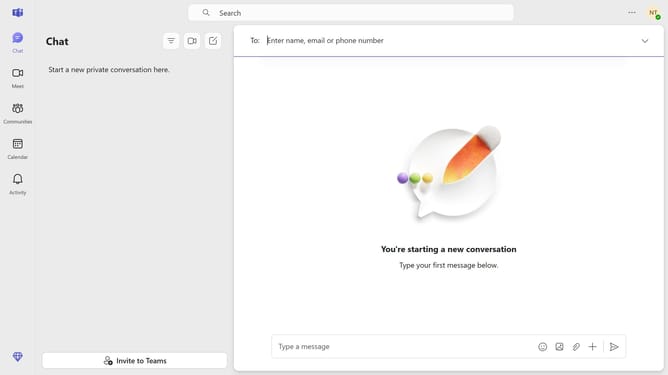
- First click on the "More options" button (three dots icon) in the top-right corner of the header
- Then click on the "Settings" option in the dropdown menu
- Next click on the "Devices" option in the left sidebar navigation menu
- Finally click on the "Mirror my video" toggle switch to disable it
Why should you disable mirroring your video in Microsoft Teams
Microsoft Teams is a dynamic collaboration platform designed to enhance teamwork through seamless communication.
One of its intuitive features is the option to disable video mirroring, allowing users to view themselves as others do. This can be particularly beneficial during presentations, ensuring text and visuals are correctly oriented.
Utilizing this feature helps in reducing distractions, boosting confidence, and offering a more realistic self-view in meetings, ultimately enhancing the quality of communication and interaction.
Last update