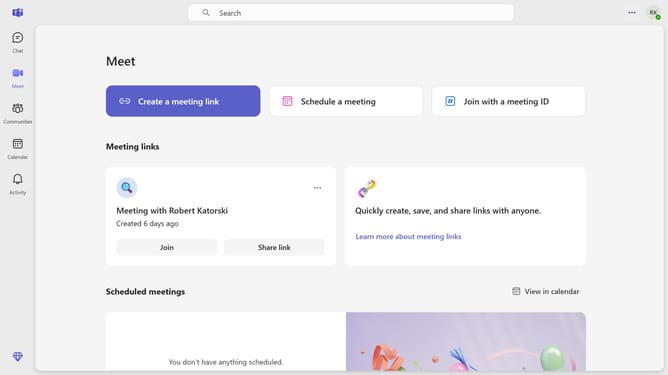
How to cancel an occurrence of a scheduled meeting in Microsoft Teams
Here is how to cancel an occurrence of a scheduled meeting in microsoft teams
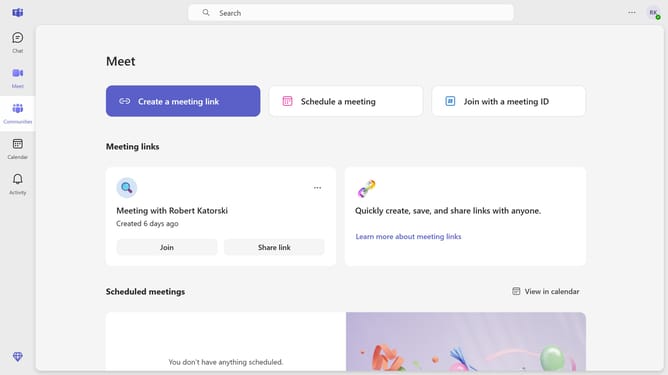
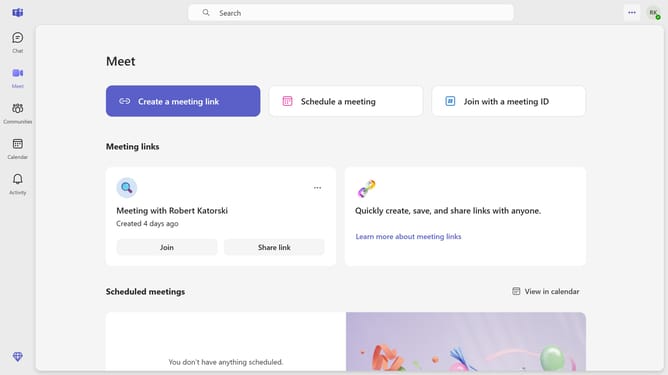
- First click on the "Meet" button in the top bar
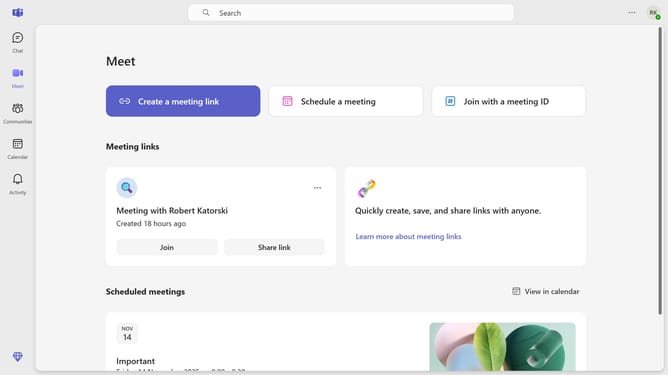
- Scroll down in the Meet menu
- Next, click on the scheduled meeting event card for the occurrence you want to cancel
- Then click on the "Cancel meeting" dropdown button in the top menu
- Next select "Cancel occurrence" option from the dropdown menu
- Finally click on the "Cancel occurrence" button in the confirmation dialog
Why should you cancel an occurrence of a scheduled meeting in Microsoft Teams
Microsoft Teams is a robust collaboration platform designed to streamline communication and teamwork.
The ability to effortlessly cancel an occurrence of a scheduled meeting in Microsoft Teams ensures that teams can efficiently manage their time. This feature allows users to adjust their schedules dynamically, accommodating sudden changes without disrupting ongoing productivity.
Utilizing this feature optimizes team management, keeping all members informed and aligned with minimal effort. It ultimately helps maintain focus on priority tasks and enhances overall workflow efficiency.
Last update