How to change community guidelines in Microsoft Teams
Here is how to change community guidelines in microsoft teams
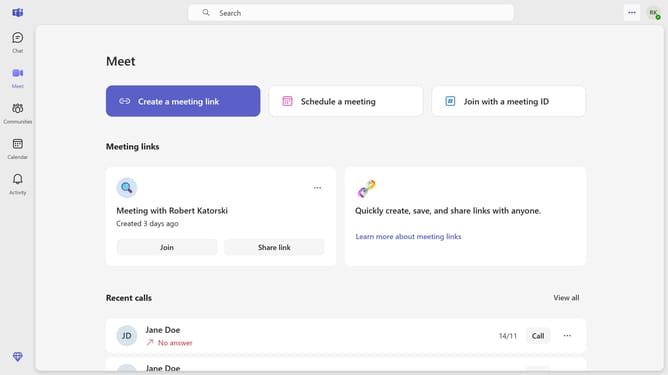
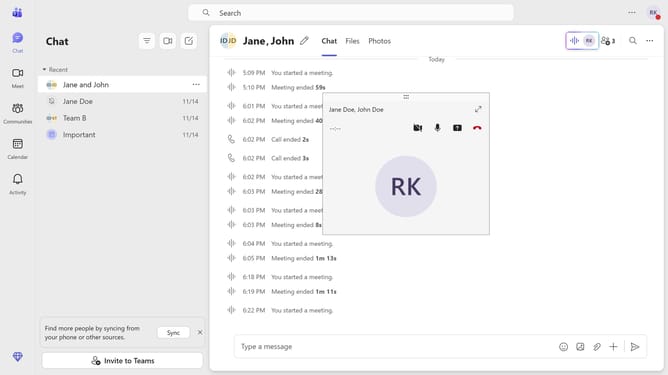
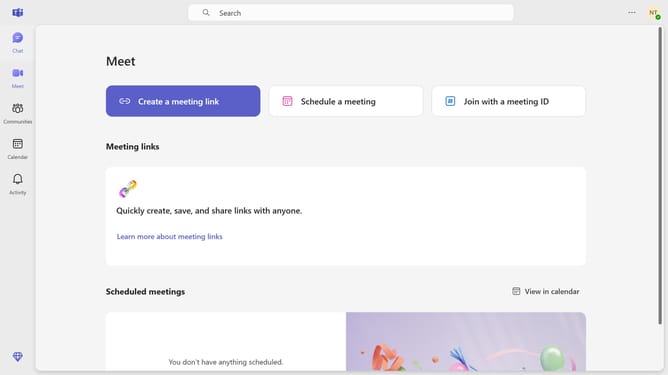
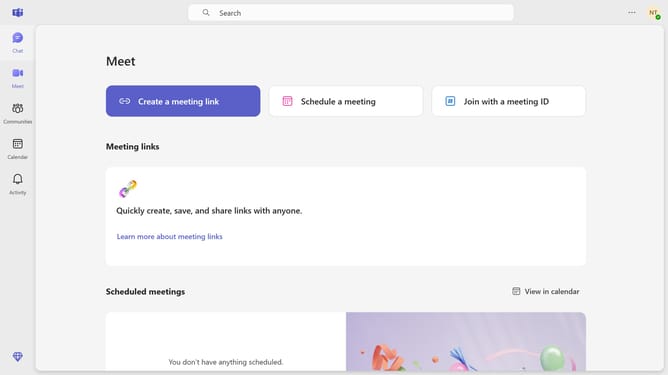
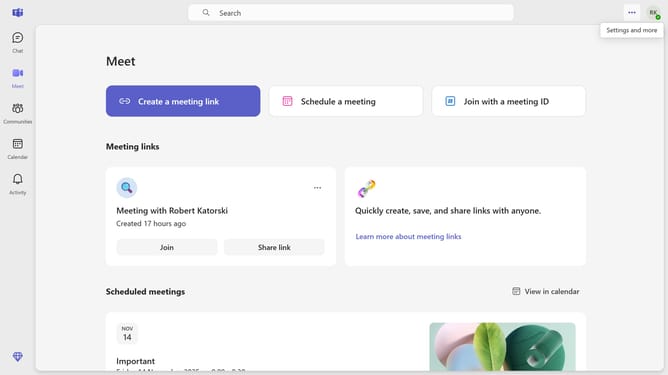
- First click on the "Communities" button in the left sidebar
- Then click on the "More options" button (three dots) next to a community you want to change the community guidelines
- Next click on the "Notifications" option in the dropdown menu
- Then click on the "Community guidelines" text field in the "Edit your community" dialog
- Next click on the "Community guidelines" text area and enter your custom rules
- Then click outside the dialog or on the background area
- Finally click on the "Save" button to save the community changes
Why should you change community guidelines in Microsoft Teams
Microsoft Teams is a dynamic collaboration platform designed to enhance workplace communication and teamwork.
Changing community guidelines within Microsoft Teams allows administrators to set clear boundaries and expectations, fostering a respectful and productive environment. This feature is essential for maintaining clarity around acceptable behavior, which can lead to more effective collaboration and reduced conflict.
By customizing guidelines, teams can cultivate a culture that aligns with their values, enhancing overall productivity and user satisfaction.
Last update